Previz with Blender MCP: Blocking Out a Box Cat Before Video Generation
Before generating the paper boat and stray cat, we used Claude and Blender MCP to build a 30-second, eight-camera previz for blocking, framing, occlusion and the final exit.
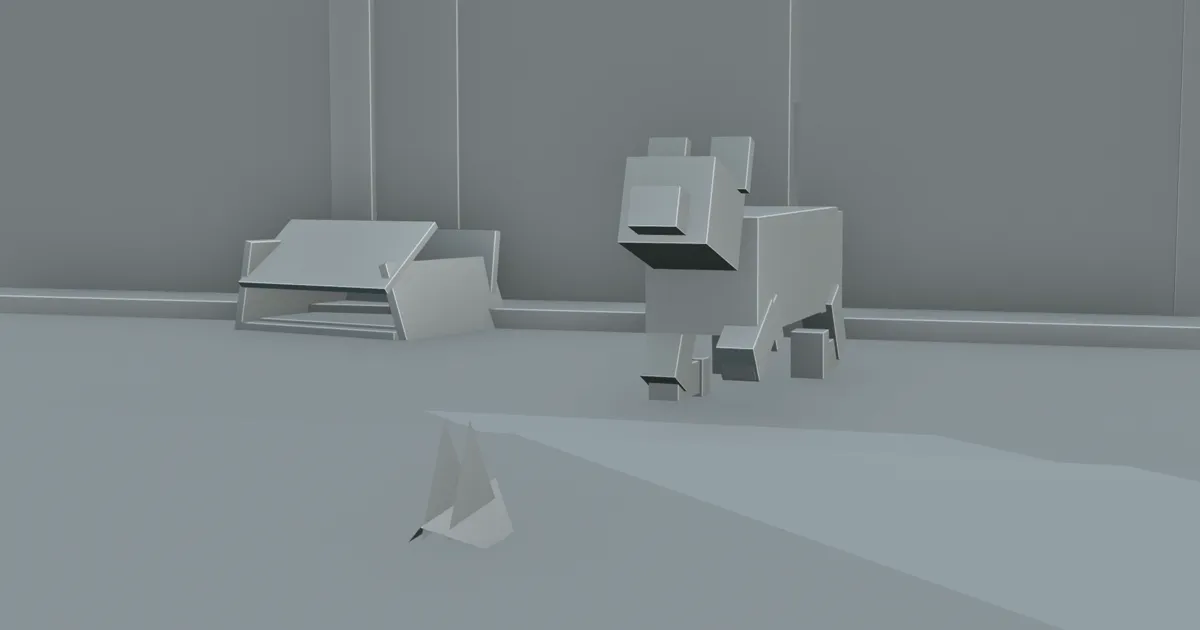
The finished paper-boat film has rain, wet fur, puddles and neon. Our first screening featured a cat made of boxes.
It had no fur. The boat did not glow. We used this 30-second Blender previz to check where the cat stood, how the boat approached, whether the camera could see the action and which way both subjects would leave.
We had Claude operate Blender through Blender MCP, building simplified versions of the cat, paper boat, cardboard box, store, glass door, puddle and street. Eight cameras covered P01 through P08. That rough 3D pass is previz, short for previsualization and also spelled previs: a check on where everything stands and what each camera sees, done before any clip is generated.
The box cat's 30-second rehearsal: looking up beside the box, approaching the boat and leaving the storefront together.
Why previz when the storyboard is already done?
The formal storyboard already carried the whole sequence: the cat curled beside the box, the boat approaching, a paw testing the water, the nose moving closer, the boat lifting and the pair leaving. Landscape and portrait each had a dedicated board with its own composition.
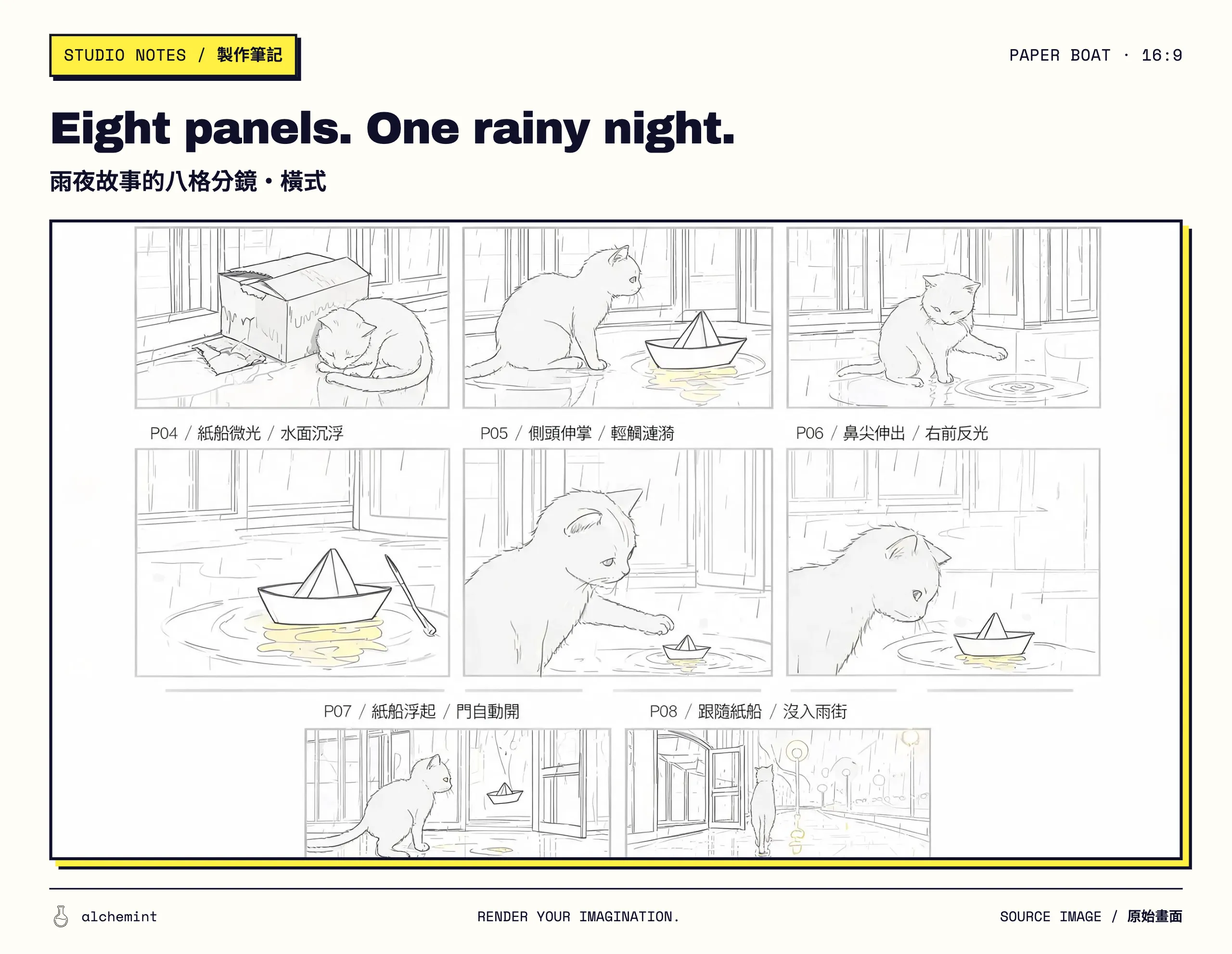
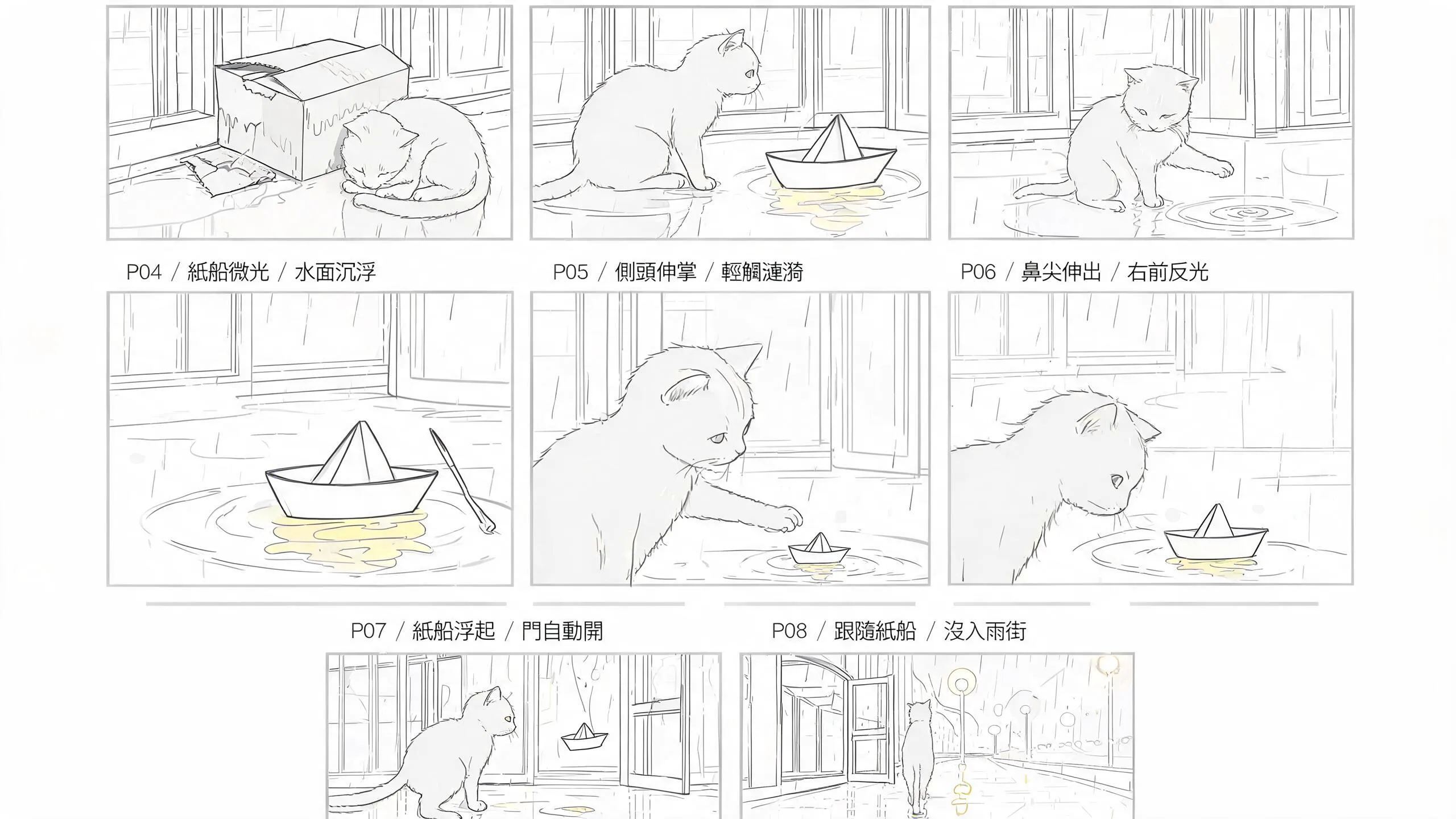
Formal 16:9 storyboard submitted for the Desktop generation; read P01–P08 left to right and top to bottom.
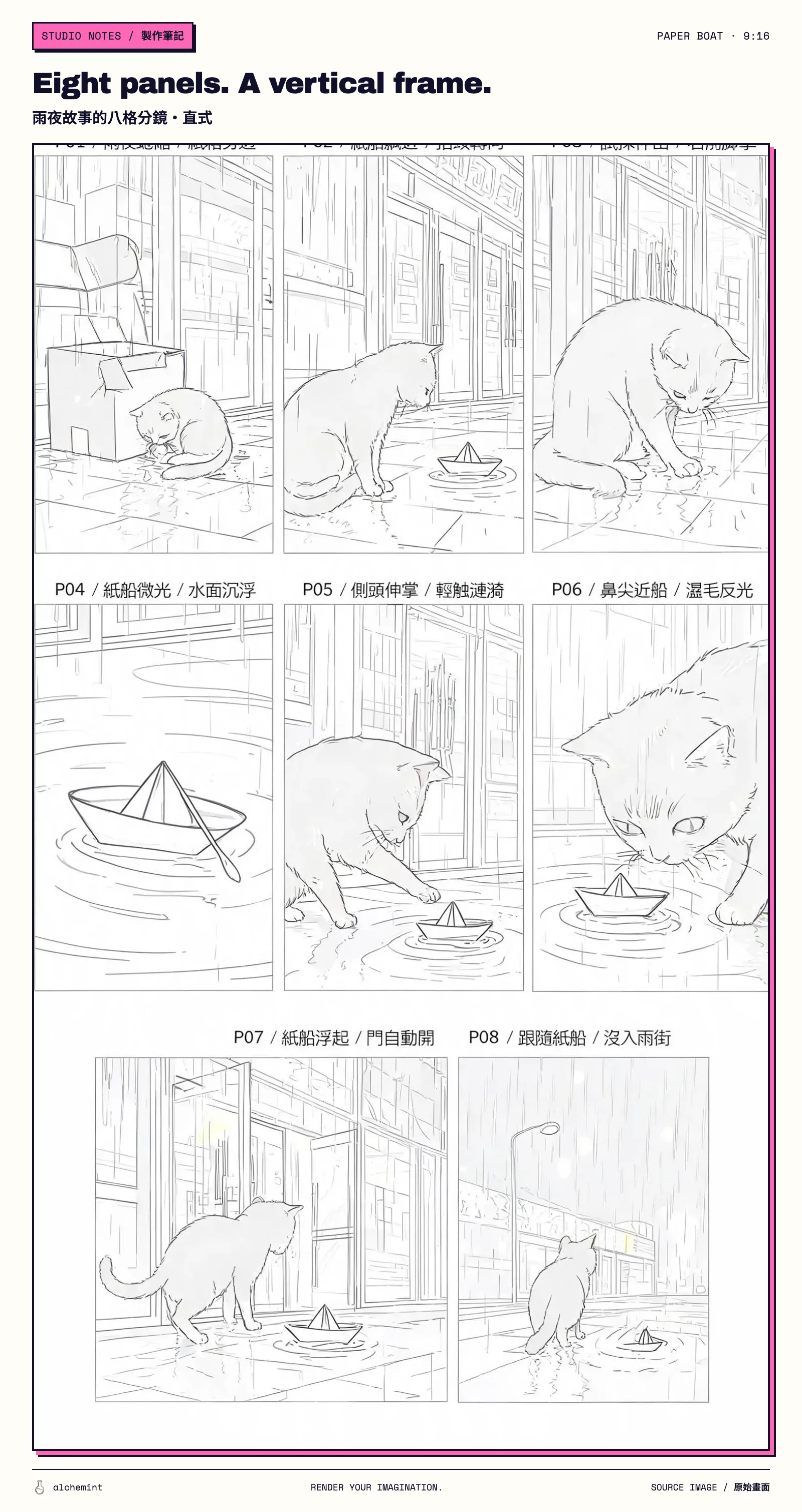
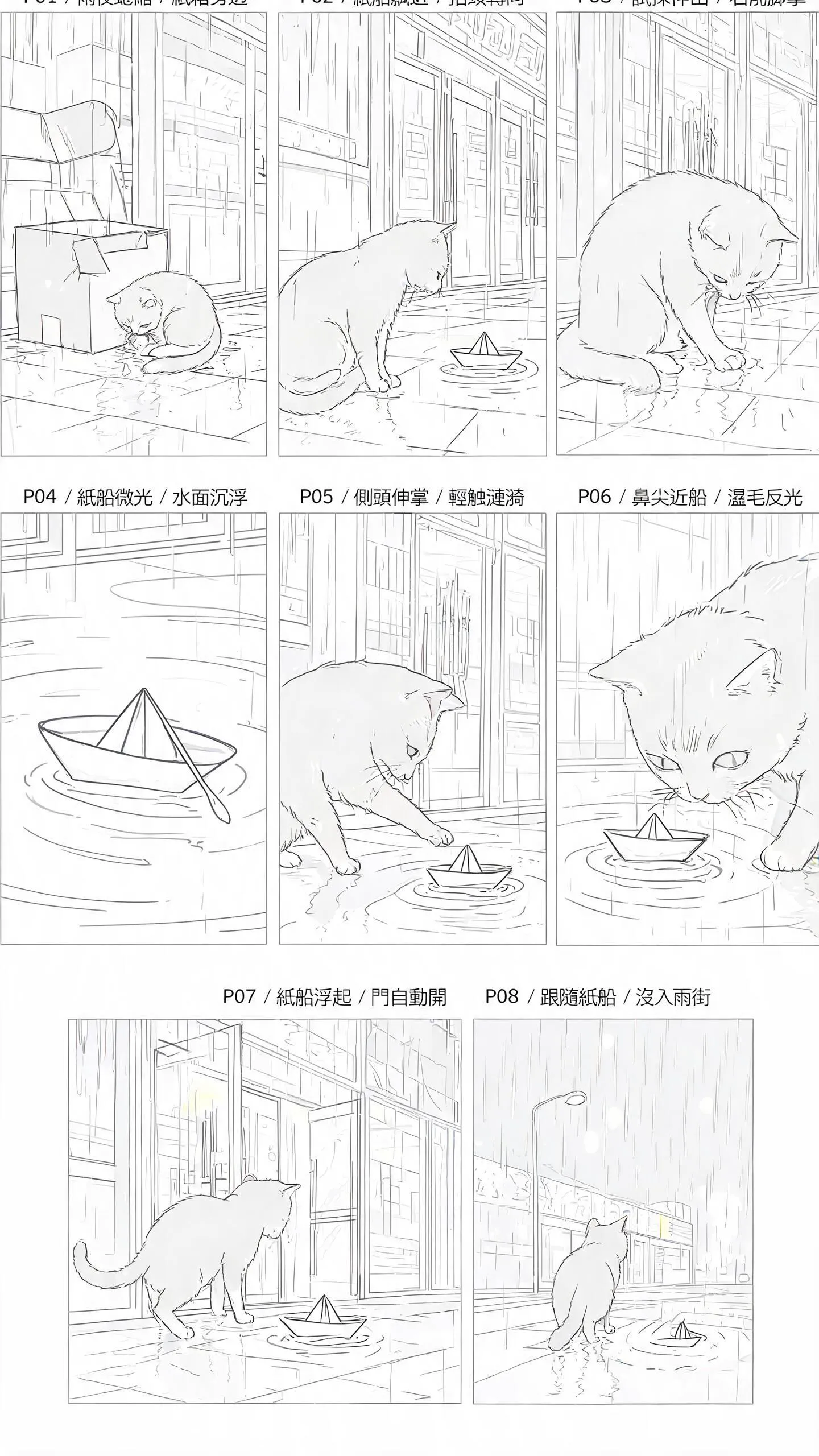
Formal 9:16 storyboard submitted for the Mobile generation; the same P01–P08 sequence is recomposed vertically.
For the basic first-frame, last-frame and cross-shot continuity workflow, see Create Video with AI: Use a Simple Storyboard to Connect Every Shot. This project added Blender because all eight shots shared one store, one puddle and one exit route. Distances left vague on a flat board become impossible to ignore in 3D.
Putting all eight shots in one scene means working out a few distances and directions:
- How far apart are the box, cat and storefront glass?
- Will the cat or box hide the boat as it crosses the puddle?
- When the P06 nose close-up opens into the P07 medium shot, where should the store door appear?
- Can the P08 route down the street continue in the same direction as the previous shot?
The previz could ignore rain, wet fur and neon. Once the geometry held together, the later references and generated clips had a baseline. Without that baseline, eight beautiful panels can turn into eight parallel universes at the edit.
Having Claude build the scene so we could watch the shots
We gave Claude the story and the plan for all eight shots. Through Blender MCP, it arranged the objects and cameras, then rendered the videos and board.
Using instructions saved us much of the object-by-object clicking. Once the scene played back, “a little closer” and “pull the camera back” had something concrete to refer to. We could see the gap between the cat's nose and the boat, or where the store door would appear as the camera moved away.
For the difference between pans, tracking shots, dollies and orbit moves, see A Complete Guide to AI Video Camera Moves. The previz made the camera run those ideas through a real scene before we committed them to the prompt.
Blocking out 30 seconds across eight cameras
The previz placed all eight beats on one timeline:
| Camera | Time | Action under review |
|---|---|---|
CAM_01 |
0–2 seconds | The cat curls beside the box |
CAM_02 |
2–6 seconds | The cat looks up at the boat |
CAM_03 |
6–10 seconds | The cat reaches out a paw |
CAM_04 |
10–14 seconds | Close-up of the paper boat |
CAM_05 |
14–18 seconds | The cat steps toward the water |
CAM_06 |
18–21 seconds | The cat's nose approaches the boat |
CAM_07 |
21–25 seconds | The boat lifts and the door enters the shot |
CAM_08 |
25–30 seconds | The cat and boat leave the storefront |
These 30 seconds let us watch all eight actions in sequence and see how the meeting flowed into the departure. Some actions ran longer in the finished films: 45 seconds in landscape and 46.5 seconds in portrait. The same story developed two different rhythms.
Clay and segmentation-ID renders: what each one catches
The clay render gives every object the same grey treatment. Without fur, neon and rain, shot size, silhouette, occlusion and ground direction become easier to read. We can check whether the cat hides the boat or a close-up can hold both subjects.
The segmentation-ID render separates object groups with flat colours. That helps us distinguish the cat, boat, puddle, storefront and foreground, and spot silhouettes that become hard to read across a cut.
Different colours make the cat, boat and background easier to distinguish, so we can see what blocks what.
board_2x4.png takes one representative view from each camera and arranges all eight in a 2x4 grid. The video reveals movement. The board lays all shot sizes on the table, where repetition, direction jumps and the close-up-to-long-shot rhythm have fewer places to hide.
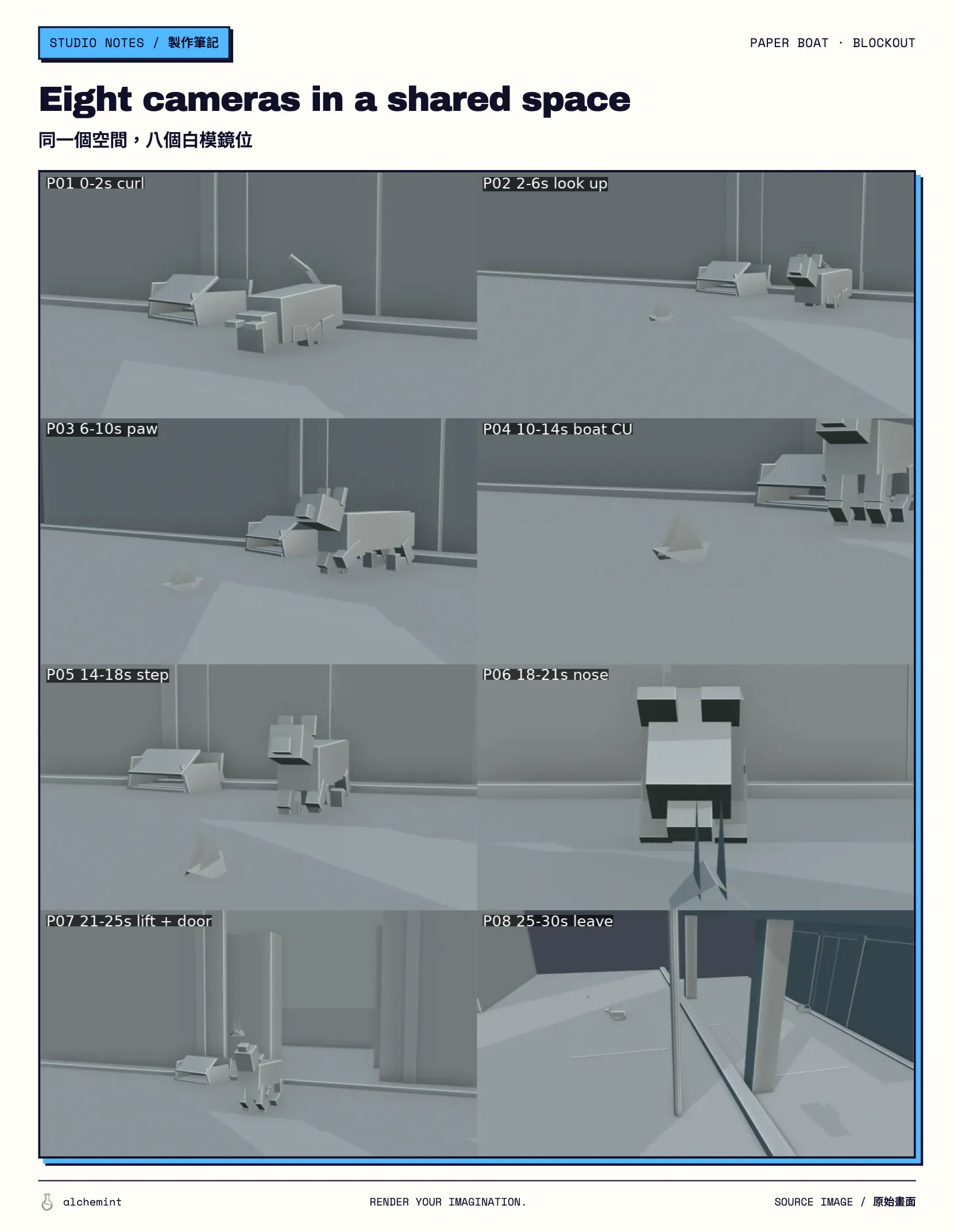
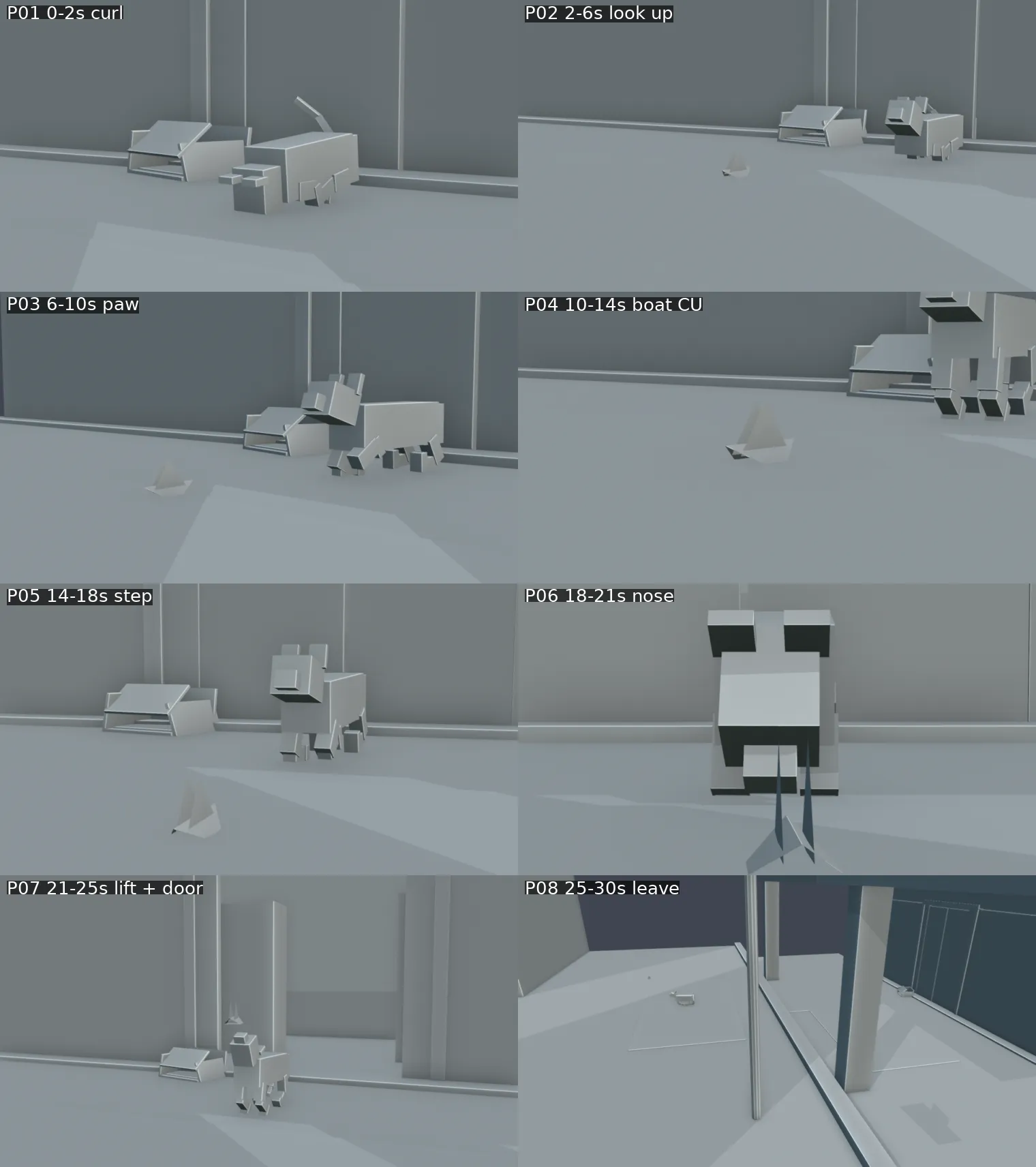
board_2x4.png places P01–P08 in one 3D space to check blocking, direction and the final exit. The eight panels are separated below so they remain readable when the overview is reduced.
P01–P02
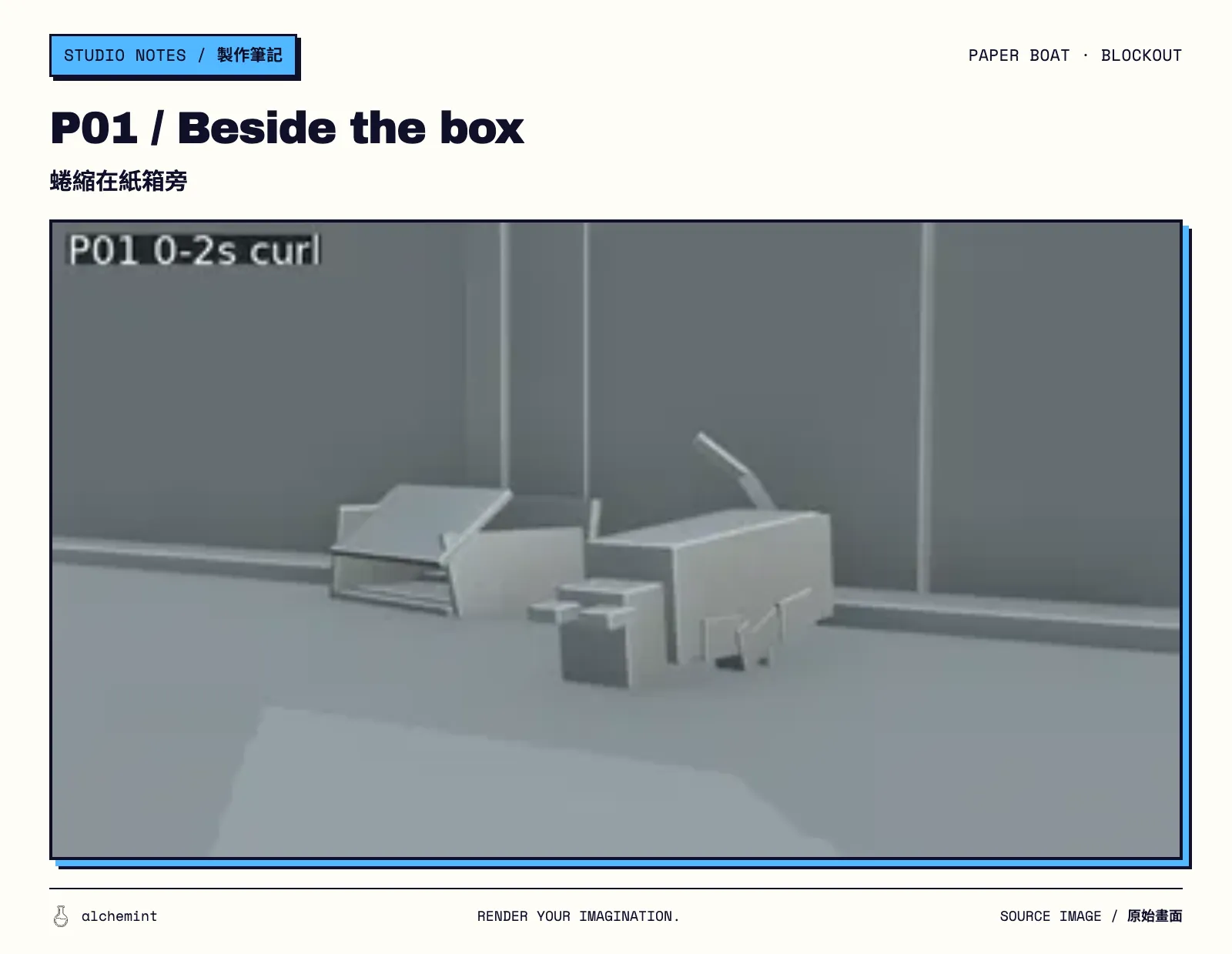
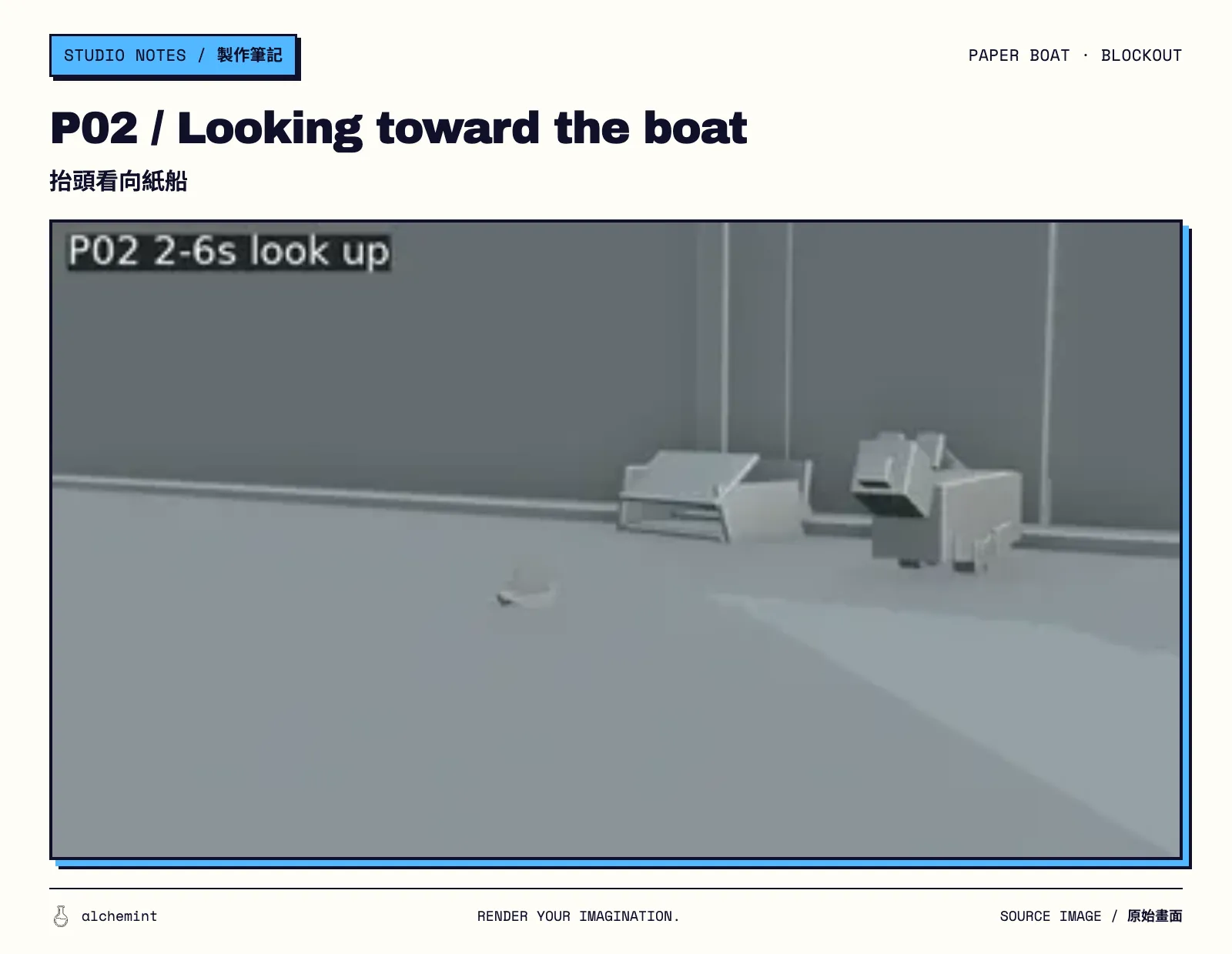
Original image 1 · Original image 2
P03–P04
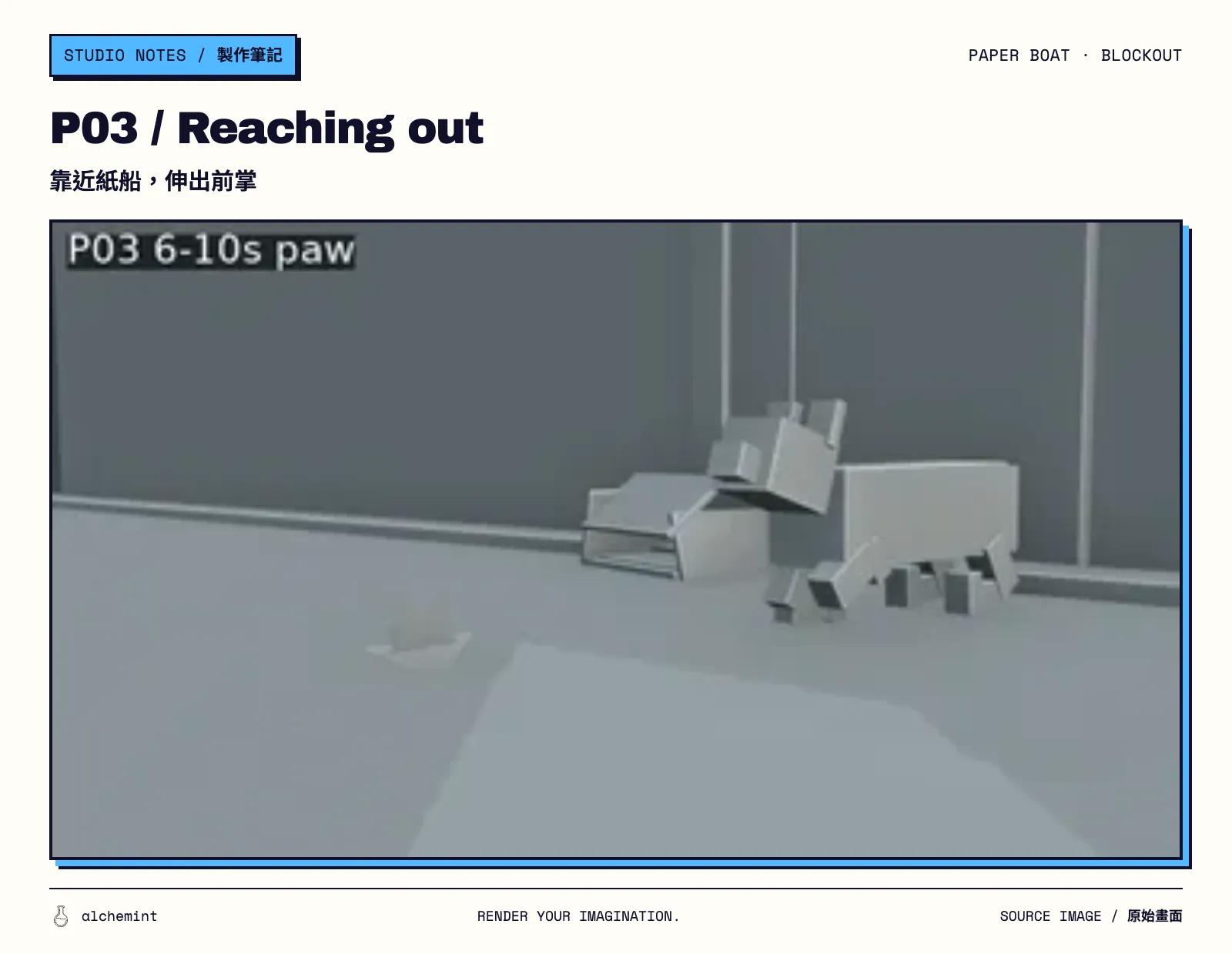
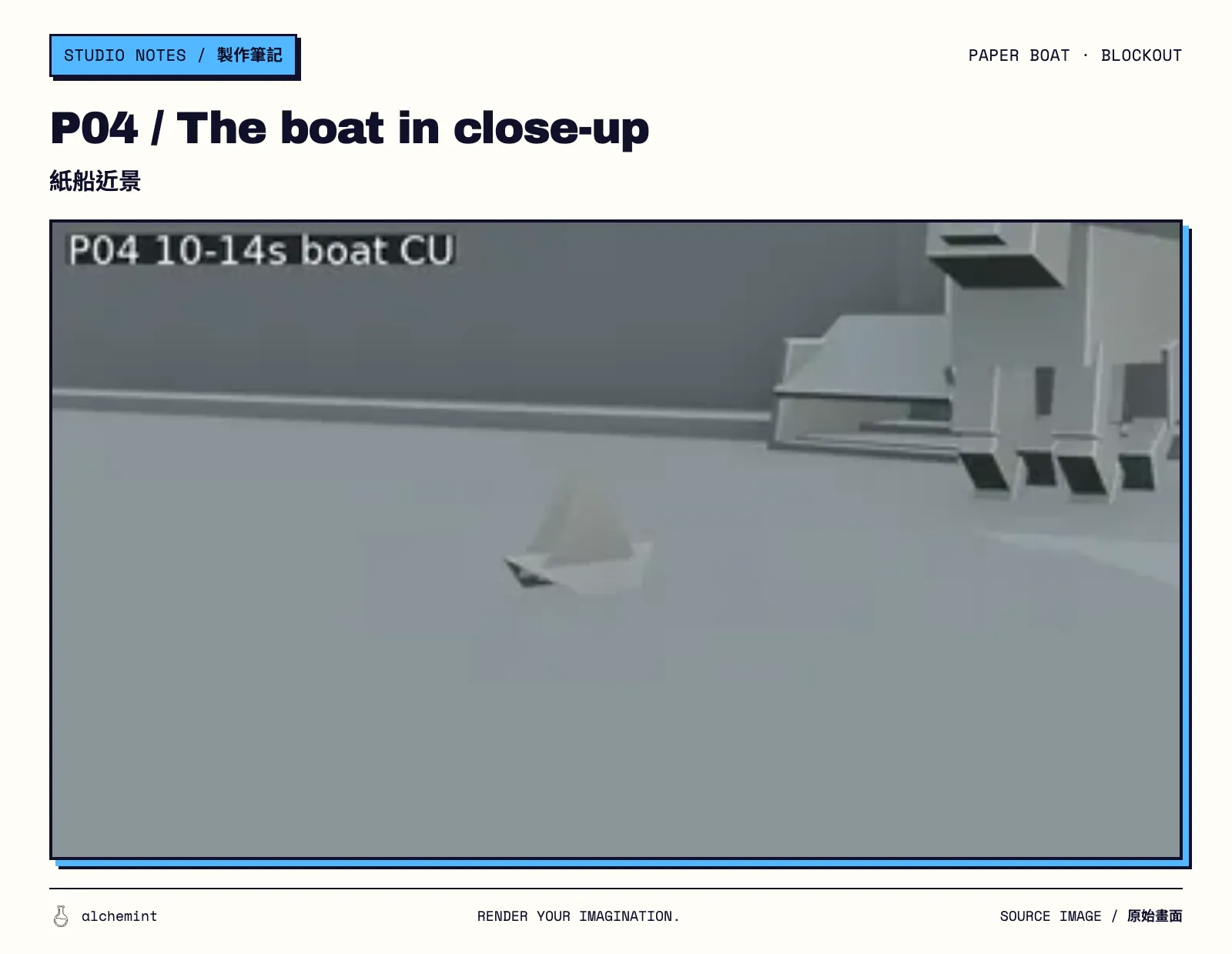
Original image 1 · Original image 2
P05–P06
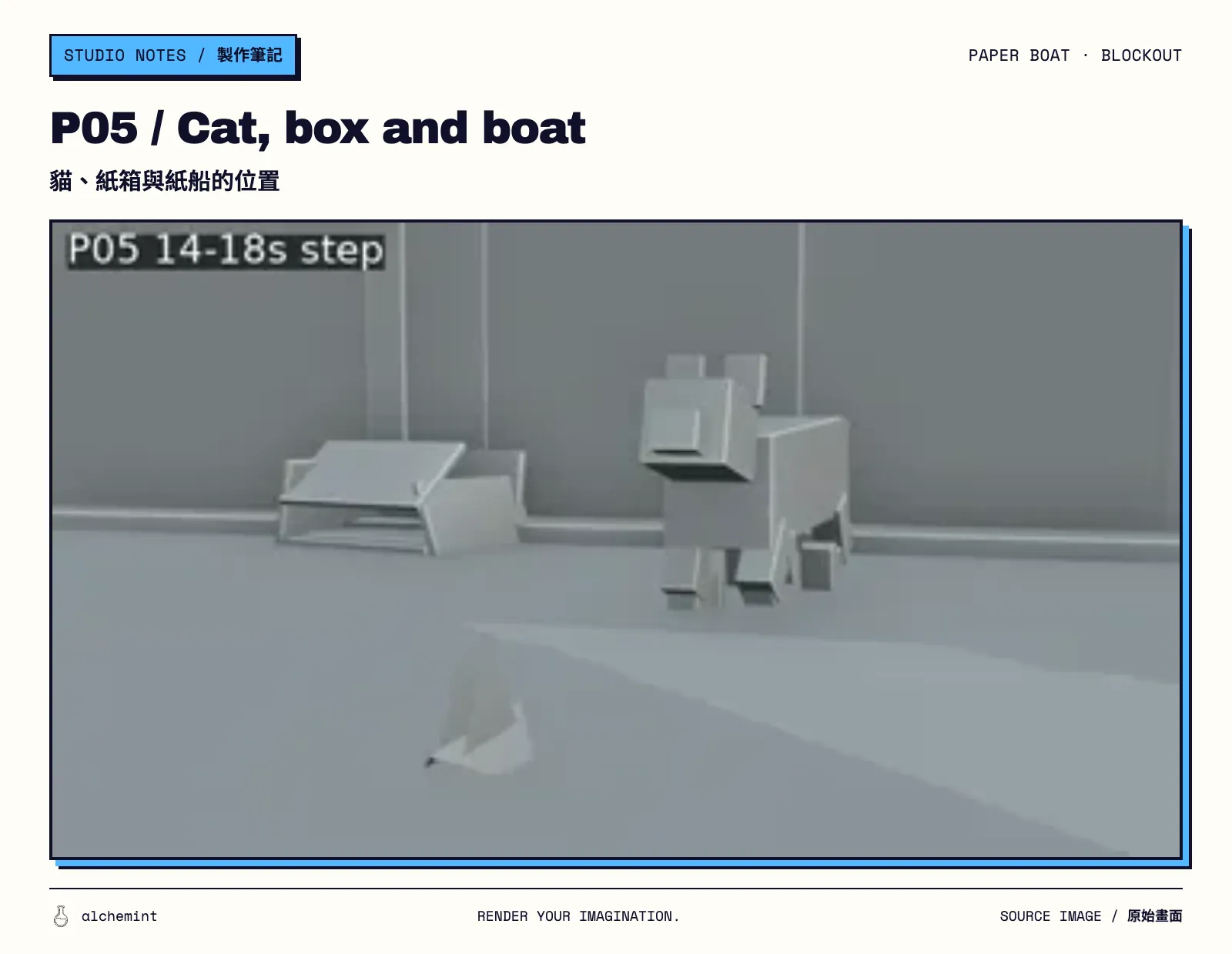
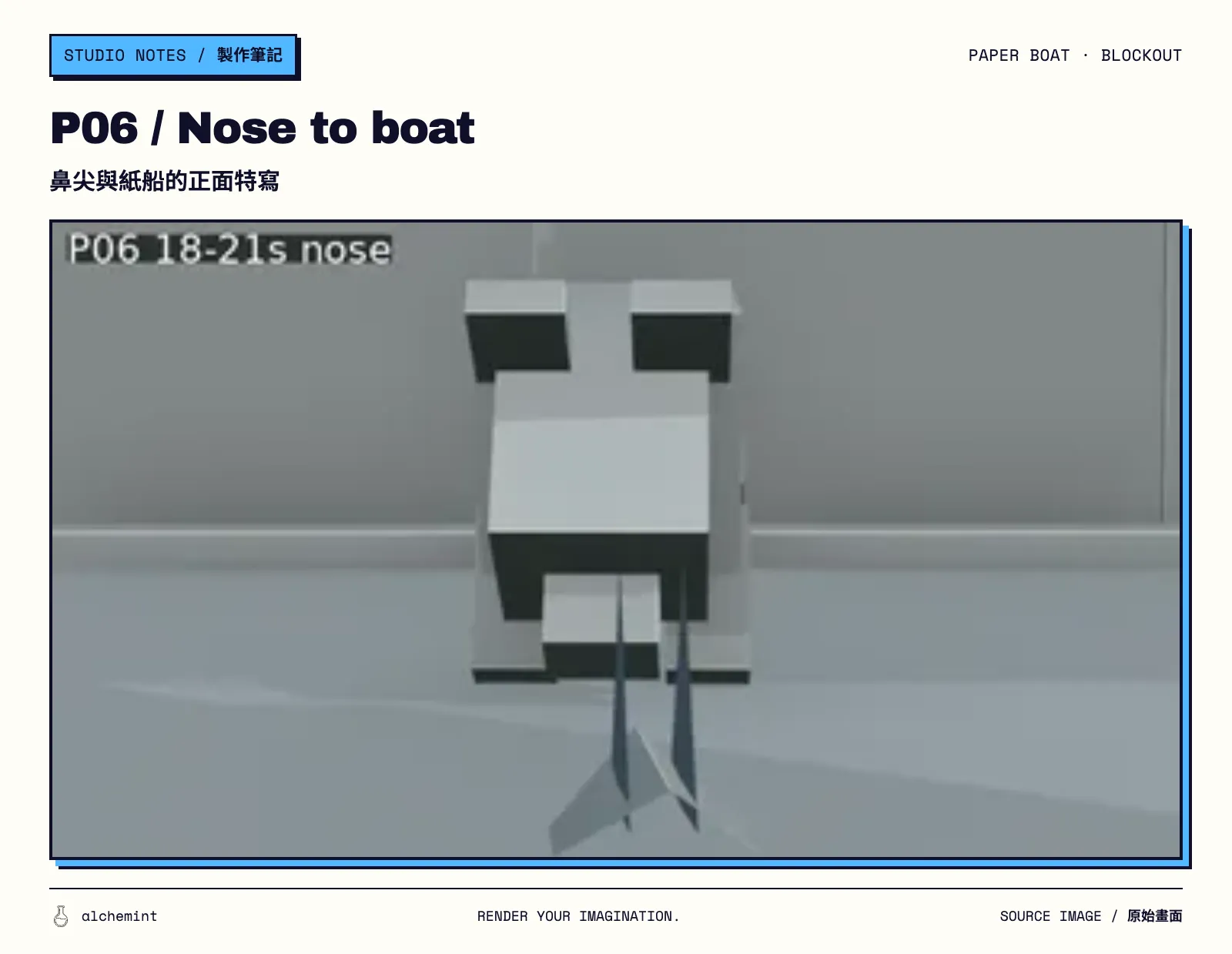
Original image 1 · Original image 2
P07–P08
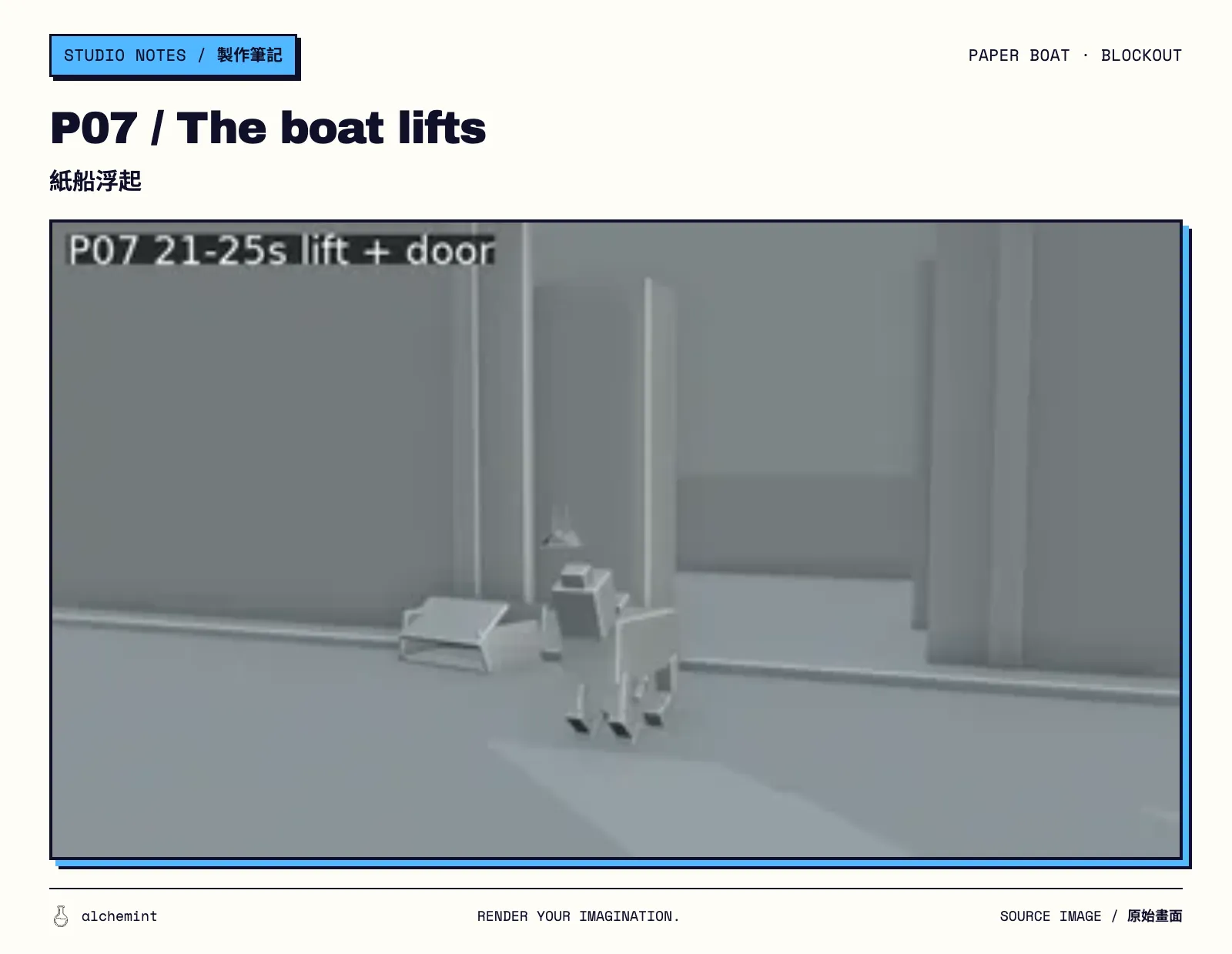
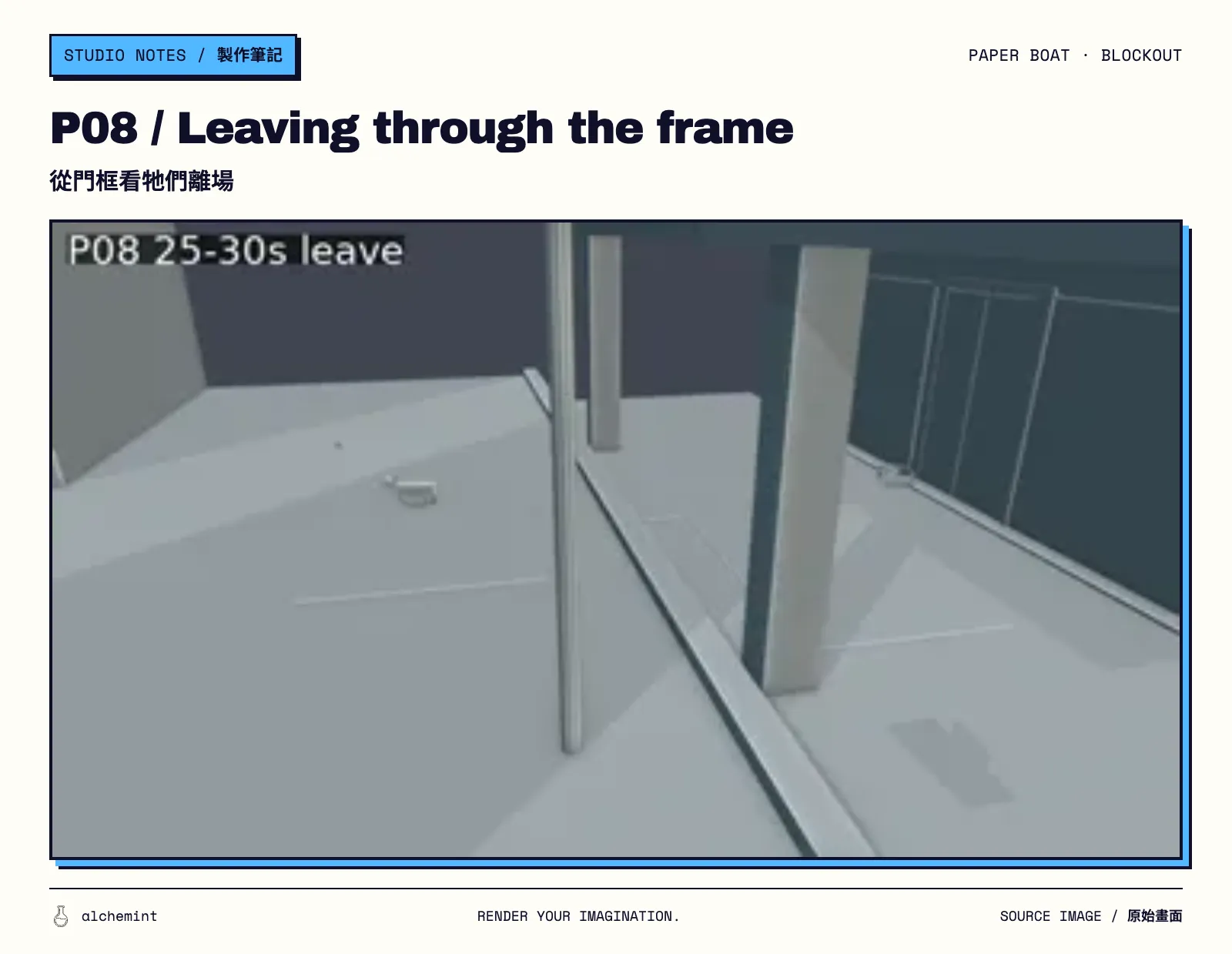
Original image 1 · Original image 2
From a box cat to a stray in the rain
| Material | What to look for |
|---|---|
| Blender previz | Position, eyelines, occlusion, cameras and the exit route in one space |
| Formal eight-panel boards | Shot order and ratio-specific composition for 16:9 and 9:16 |
| Finished films | The actions, visual treatment, timing and edited result the model actually produced |
We used the 16:9 previz to plan the movement and a separate 9:16 storyboard to arrange the portrait shots. Door positions and the pace of some actions changed in the finished films, but the eight-shot story still flows: the cat meets the boat beside the store, edges closer and finally follows it away.
Every P01–P08 comparison, the Act 2 tail-frame handoff, Act 3 first frame and final joins are covered in Does Seedance 2.5 Read Storyboards?. The full story, reference images and three-act generation process are in Making an AI Video: A Paper Boat Came Back for a Stray Cat.
When is previz worth it before generating video?
A single subject against a fixed background, with little camera movement, may only need a simple storyboard. We would reach for a previz when:
- three or more shots take place in one shared space;
- the subject, prop and camera all move;
- one shot's screen direction constrains the next;
- a close-up must connect to a wide shot, a door must move or a character must exit;
- landscape and portrait versions need to share the same spatial logic.
Stop when the previz has answered those questions. Our box cat had no fur and the paper boat had no neon. Before the first video generation, they already knew where they would meet and how they would leave.
We later took this approach into a fight scene, using the Blender render as a motion reference. If you already have footage with the movement you want, see how we turned an existing clip into a depth-video reference.