
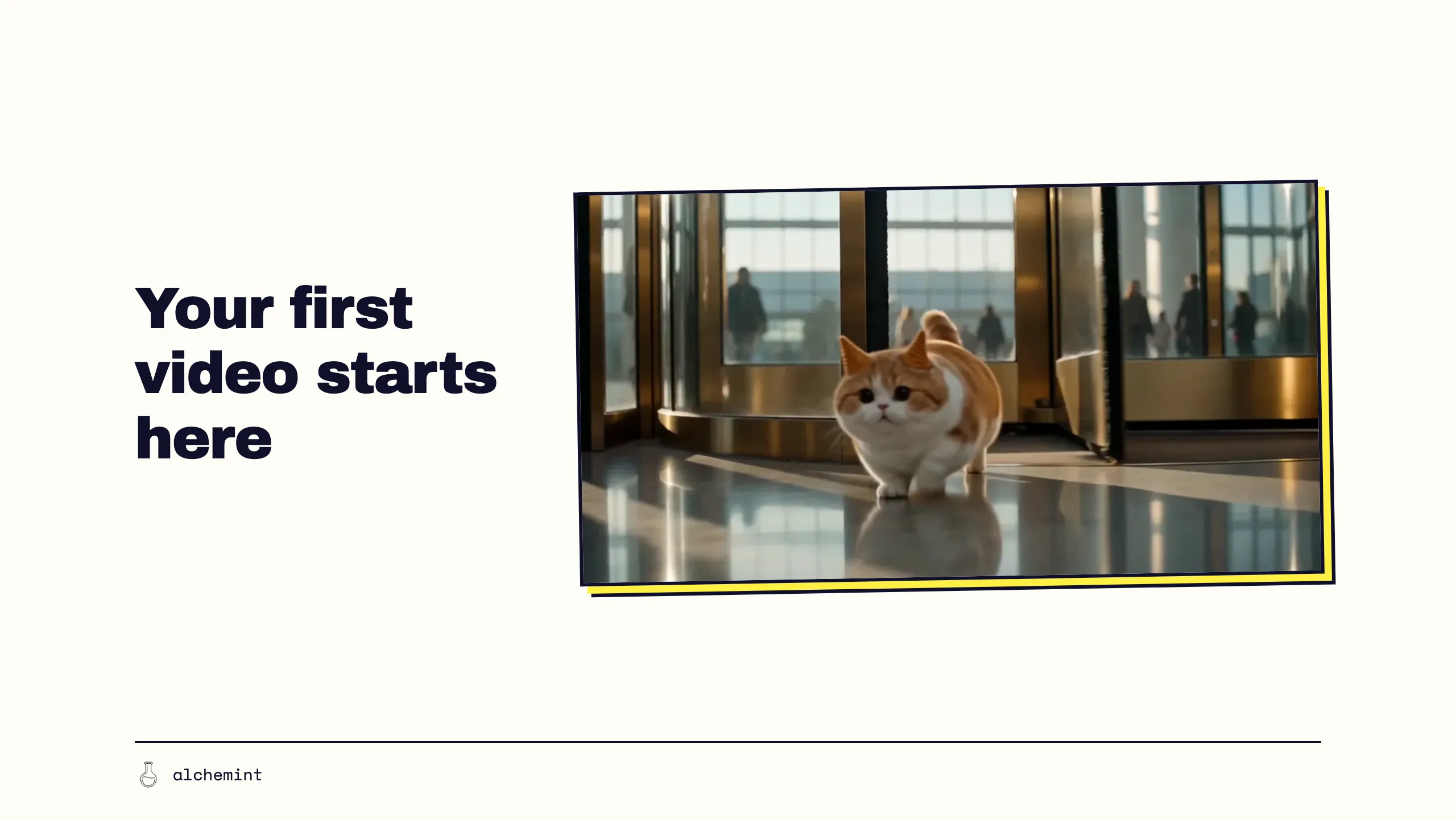
Create Video with AI: your prompt is your video
You do not need to become a director or editor first. Start with an idea, a few reference images and a simple storyboard, then turn AI-generated clips into a short video you can actually publish.
Suppose you spend about $10 turning one sentence into roughly 15 seconds of video, regenerating it three times along the way. Then you post it on social media or send it to a friend. The problem is that this is impossible to plan: the next time you feel like directing, you have no idea how many times you will have to pull the slot-machine lever. You got lucky and spent $10 this time. What about the next?
Even when you land a beautiful shot—complete image, lovely light—it is still not a video. It has no beginning or end, no audience, no sound or subtitles, and no idea what should happen in the next shot.
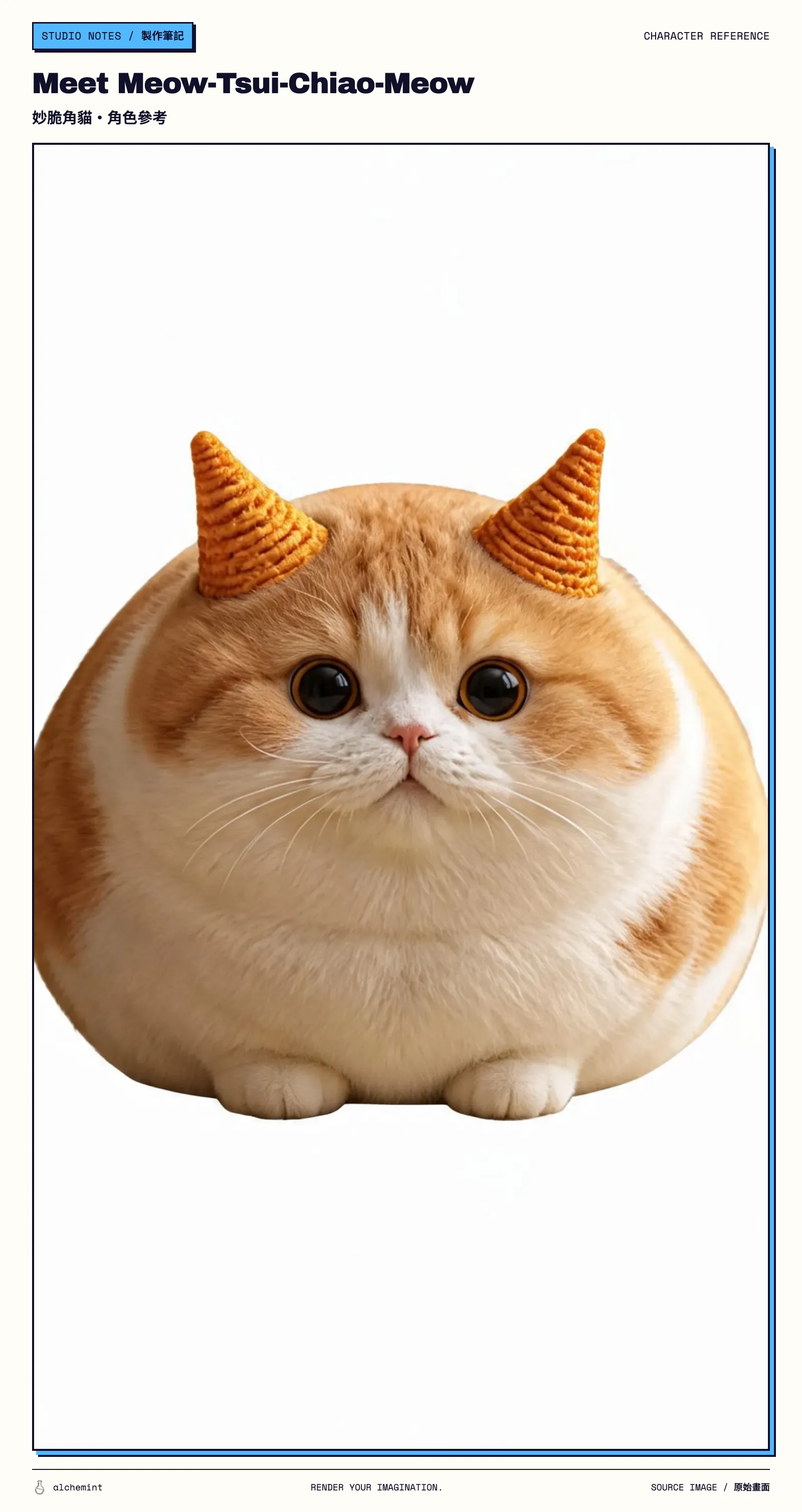
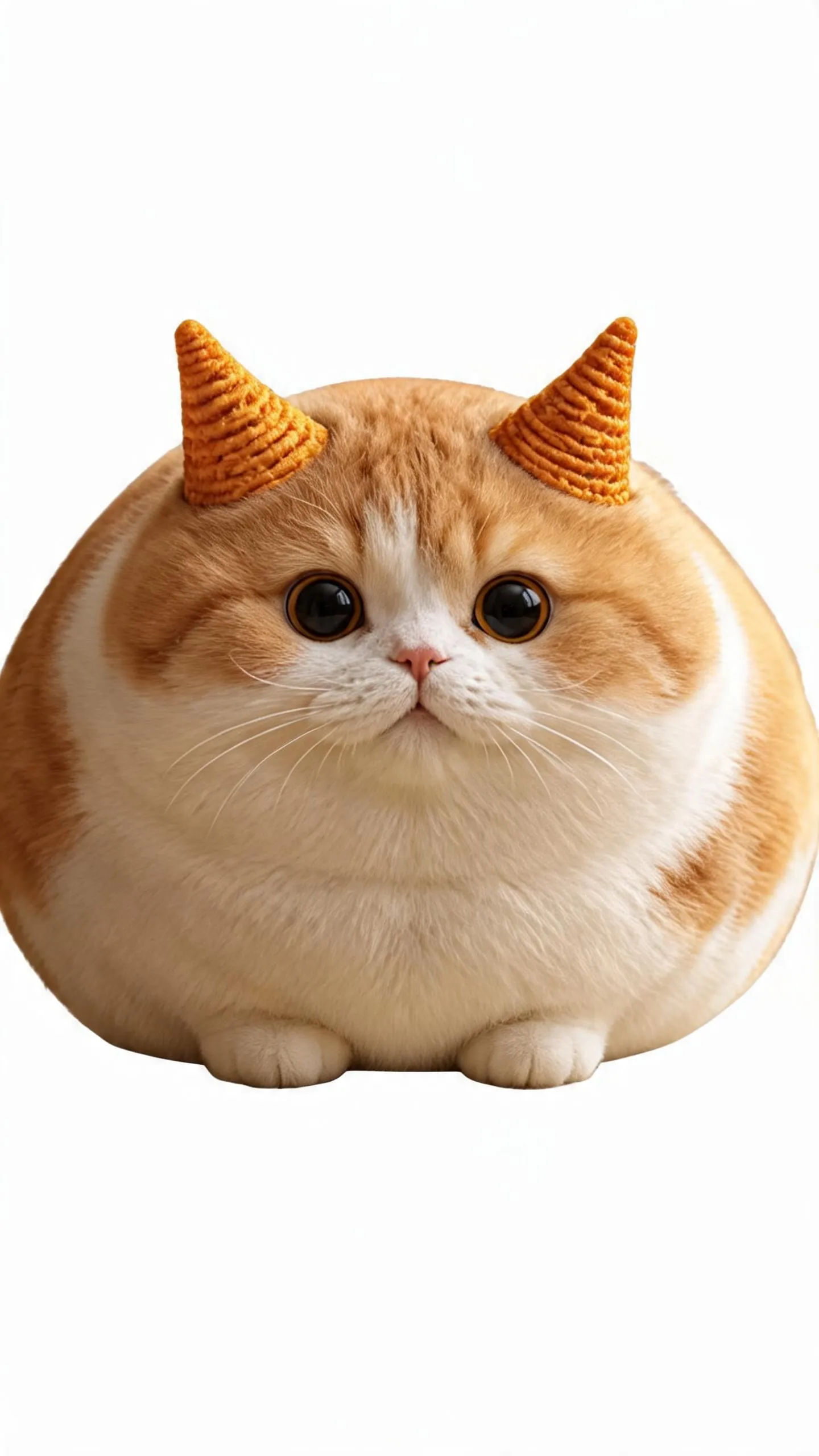
If you are making your first AI video, or have only just started, your first question should be: “Can I describe what I want in words the model can understand?” To make the process concrete, meet the star of this article: Meow-Tsui-Chiao-Meow.
The first step in an AI video: the model has no idea what you mean
The easiest mistake on your first AI video is to turn the picture in your head straight into a prompt.
Prompt: “Meow-Tsui-Chiao-Meow wanders into a skyscraper”
Congratulations to ByteDance, Kling, MiniMax, every video model and every compute provider: they have gained another customer with a credit card on file. We estimate their gacha pulls will fund one fleeting moment of electricity for the AI video supply chain.
But what if you wrote the prompt like this?
Define the cat in img_1, whose ears are Bugles corn snacks, as Meow-Tsui-Chiao-Meow.
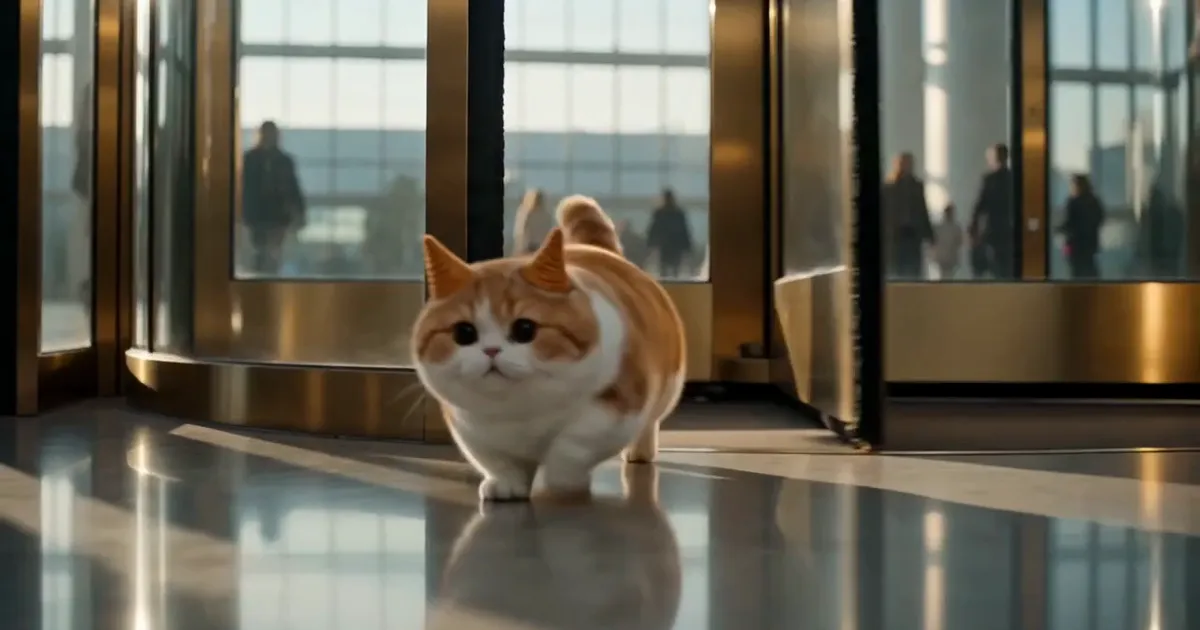
Shot 1: Late afternoon. img_1 Meow-Tsui-Chiao-Meow squeezes through the gap of a brass revolving door into a soaring lobby, running in panic between the commuters, its paws skidding repeatedly on the polished marble floor. The camera tracks low along the ground; warm golden sunlight comes through the floor-to-ceiling glass curtain wall and cuts long bars of light across the floor.
Throughout: high-definition cinematic documentary style, 35mm lens character, shallow depth of field, slight handheld movement, warm gold against cool grey-blue, soft light; strictly preserve the appearance, material, colour and body proportions of img_1 Meow-Tsui-Chiao-Meow, stable and undistorted, never redesigned; in every frame its ears must remain actual Bugles corn snacks and must never turn back into ordinary cat ears or grow fur; only this one character appears in the whole video, moving on all fours, never anthropomorphised or standing upright; background people stay blurred with no clear faces; motion natural and fluid, no stutter or flicker; no text, subtitles, watermarks or logos anywhere in the frame; natural ambient sound.
Same cat, same idea. The revised prompt spells out what the character looks like, where the scene takes place, what happens and how the camera moves. The prompt is not magic. It simply puts a chain of decisions you already had to make into words.
Break one idea into a few simple shots
Look again at the prompt that worked. It is no longer “one sentence.” It has a character, a setting and an action. Spread that paragraph out into a table and you have a shot list. A Google Sheet is enough to start with.
“Meow-Tsui-Chiao-Meow wanders into a skyscraper” is one sentence. “Shots” are the tool you use to describe it.
| Shot | What has to appear | How does it move? |
|---|---|---|
| 1 | The character and the setting | Meow-Tsui-Chiao-Meow emerges from the revolving door |
| 2 | It goes deeper inside | Meow-Tsui-Chiao-Meow scurries around the lobby |
| 3 | The ending | Meow-Tsui-Chiao-Meow stops in front of the lift doors |
There is no complicated screenplay format here. Each row answers just one thing: what you want the audience to see.
If one shot asks the cat to sneak through the door, ride the lift, startle passers-by and discover the skyline, the model has to guess the order of events. Splitting that into two or three shots usually works better than adding ten more adjectives.
Once you have the list, read it from top to bottom:
- If you remove a shot, does the story still make sense?
- Are two shots explaining the same thing?
- Is one shot merely pretty without moving the story forward?
Something else to think about: who is it for, and where will you post it?
Prepare references and a simple storyboard before you hit generate
This step requires only two decisions: what the model must not reinvent every time, and whether the shots cause trouble when placed together.
The first answer tells you which reference images to prepare. More is not always better. Ideally, each reference has one clear job:
- Character reference: Meow-Tsui-Chiao-Meow’s face, colours, build and defining features;
- Location reference: the spatial relationship between the entrance, lobby, office floor and rooftop;
- Mood reference: time of day, reflections in the glass curtain wall, and warm or cool indoor light;
- Composition reference: the approximate viewpoint and where the cat sits in each frame.
If one reference is meant to control the character, location and lighting while also asking the model to imitate a completely different action, you will land yourself in prompt-editing hell. The model companies will be delighted, naturally — you are the one paying for the pulls.
The second decision needs the simplest possible storyboard. It does not have to look good — stick figures, screenshots and photo collages all work, and you can ask ChatGPT to draft one for you. Judging a still frame first is worth far more than going straight to generation. The video model is not you; pulling blind only eats into your credit limit. Lucky once and you are done. Unlucky and you are just working a capsule machine.
So many ways to generate: how do you choose text, images and models?
You do not have to generate the whole video in the same way.
If you are only exploring what the lobby might look like, text-to-video can quickly offer different possibilities. If the character and composition are already decided, making a reference image first will usually give you more control. And if you already have usable footage for a shot, there is no reason to regenerate it just so the whole video can claim to be AI-made.
For how much control each input buys, how their preparation costs differ and when to mix them, see Part 2: Decide whether to start with text, an image or a script. We can expect video models to offer longer and longer outputs in future, but that does not mean you will land the capsule you actually wanted.
The most basic text-to-video hands full control to the model. Image- or video-to-video is the easiest step up, and also where the pulling loop usually starts.
So the preparation up front is what matters:
- What must this shot preserve?
- What can the model improvise?
- Is the likeliest failure the character, action, setting or camera?
- What conditions would make me willing to put it in the final cut?
A usable shot has to meet the conditions this video genuinely needs. Say your design for Shot 2 is Meow-Tsui-Chiao-Meow scurrying around the lobby. If distant people in the background are a little vague, you might hide that with a shorter cut or shallow depth of field. If the cat suddenly gains a twin or changes colour completely, the shot has failed its job.
We have noticed something: audiences are remarkably tolerant of AI video. The flaws have become part of its character.
When the result is wrong: rewrite, swap the reference, repair or start over?
When you see an error, do not immediately rewrite the entire prompt.
There is only one decision here: is this single shot carrying too much? You will see people online sharing their results. What they tend not to mention is how many times that prompt was tested.
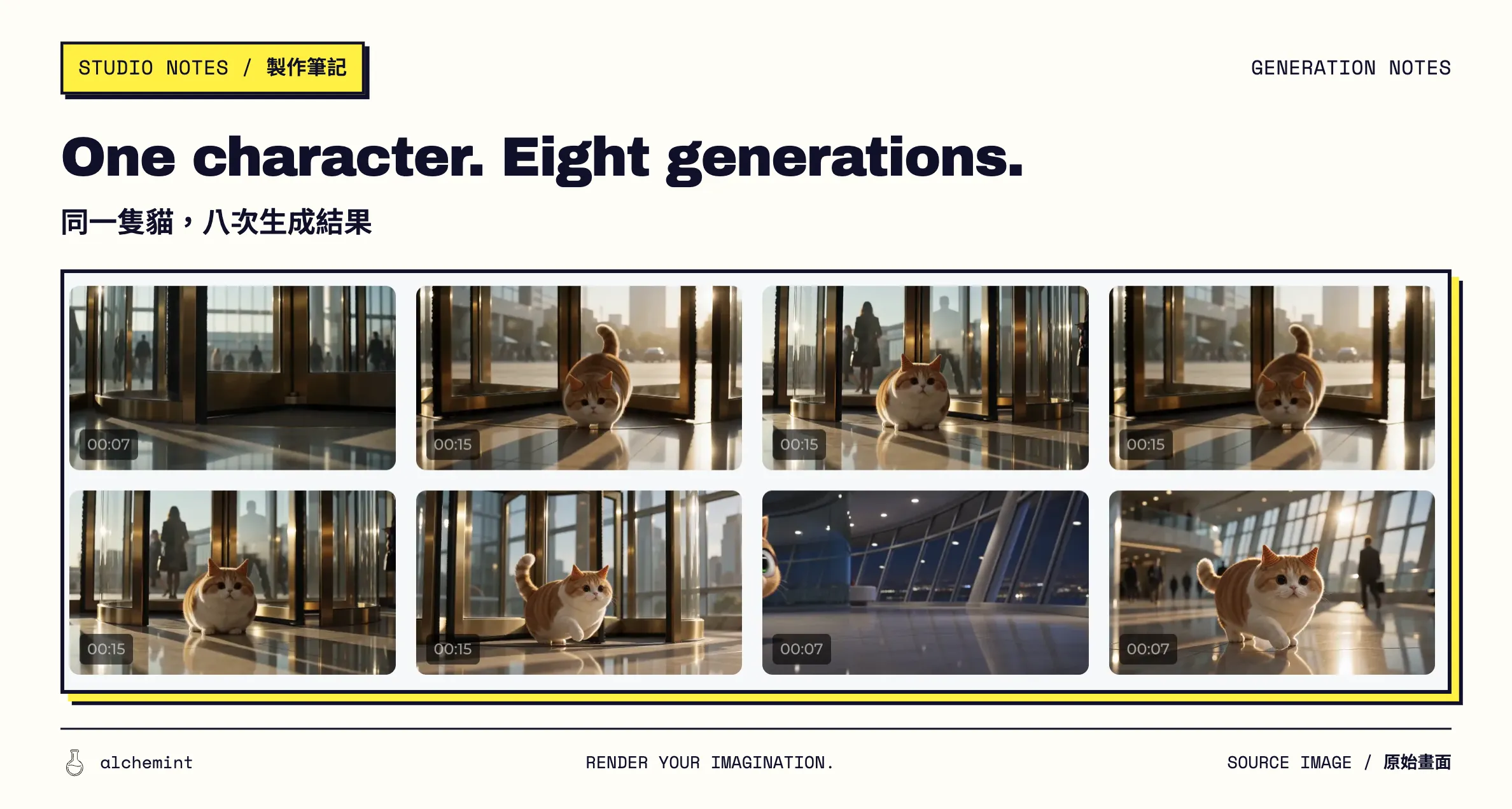
For the Meow-Tsui-Chiao-Meow story in this article, we tested 2 prompt versions and pulled 8 times.
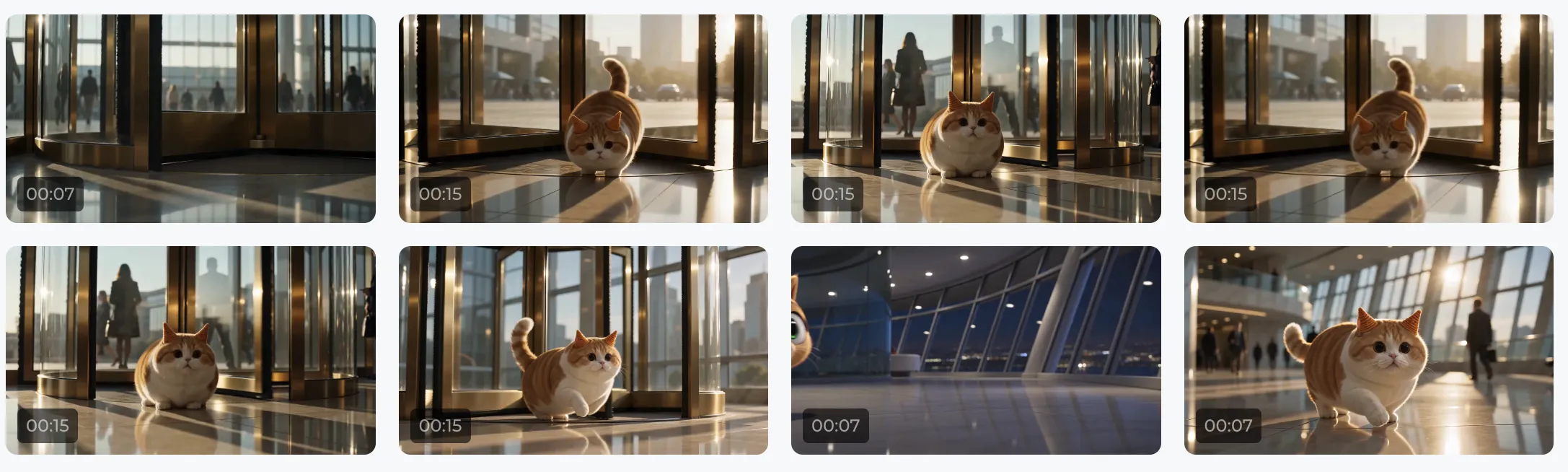
Creativity starts by making something move
Send that passing idea straight to an AI video tool. Do not go off and learn complicated settings first — type the idea in and hit generate without overthinking it. At that moment you are already a distinguished director customer.
Once the model carries the industry knowledge and turns it directly into images you can see, the first step into video creation is no longer memorising cinematography terms or finishing another talking-head tutorial on YouTube.
AI tools end the old pattern of learning everything before you begin. Send your first generated video to a friend. Post it on social media. Fun first is the starting move for video creation now. The terms mentioned earlier are useful props that make the process more interesting; add them to your second or third video. Finish one first. Then decide what to improve in the next.
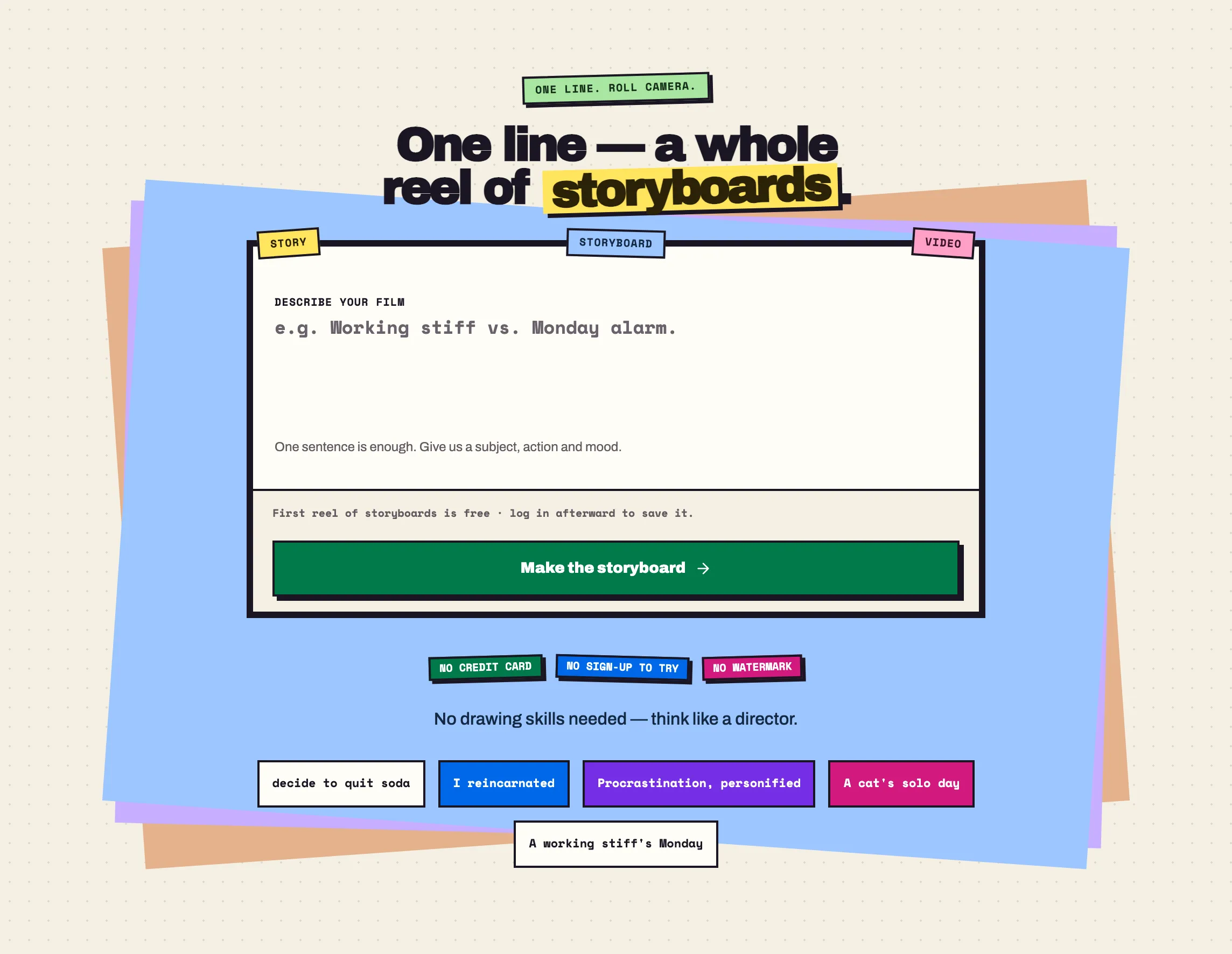
Alchemint has an AI video tool too. It gives you the story text and one generated storyboard for free. Go and play with it
- 01Create Video with AI: your prompt is your videoYou are here
- 02Create Video with AI: start with text, an image or a script?
- 03Create Video with AI: use a simple storyboard to connect every shot
- 04AI Video Character Consistency Starts with a Character Sheet