
Tutorial
Product tutorials · Industry perspectives · Creative events · Release notes
7 stories shown
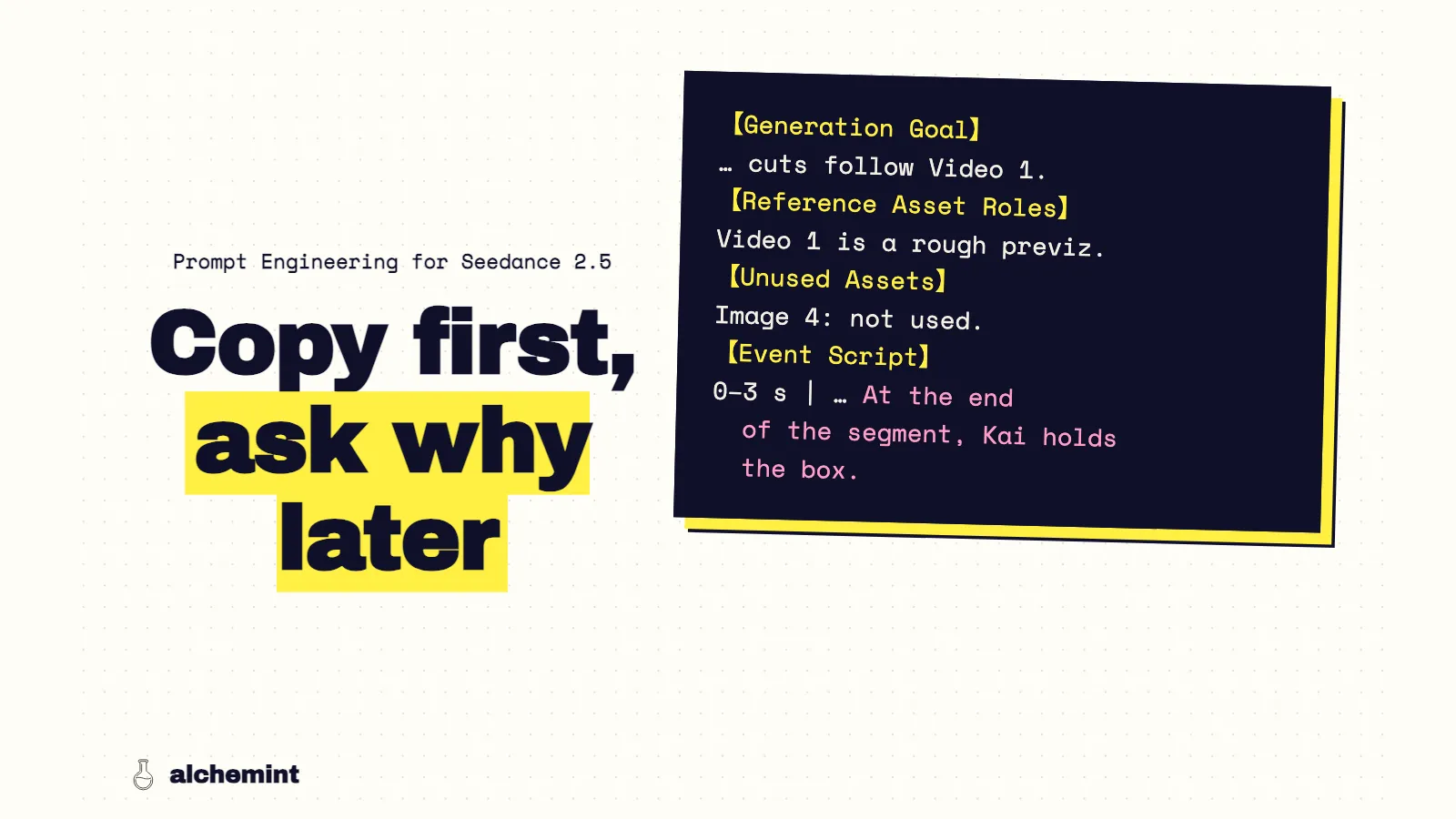
Prompt Engineering for Seedance 2.5: A Previz-to-Video Template
A fill-in Seedance 2.5 template for Blender previz, then the rules behind it: the previz carries cuts and timing, so the prompt handles mapping and state.
Read more →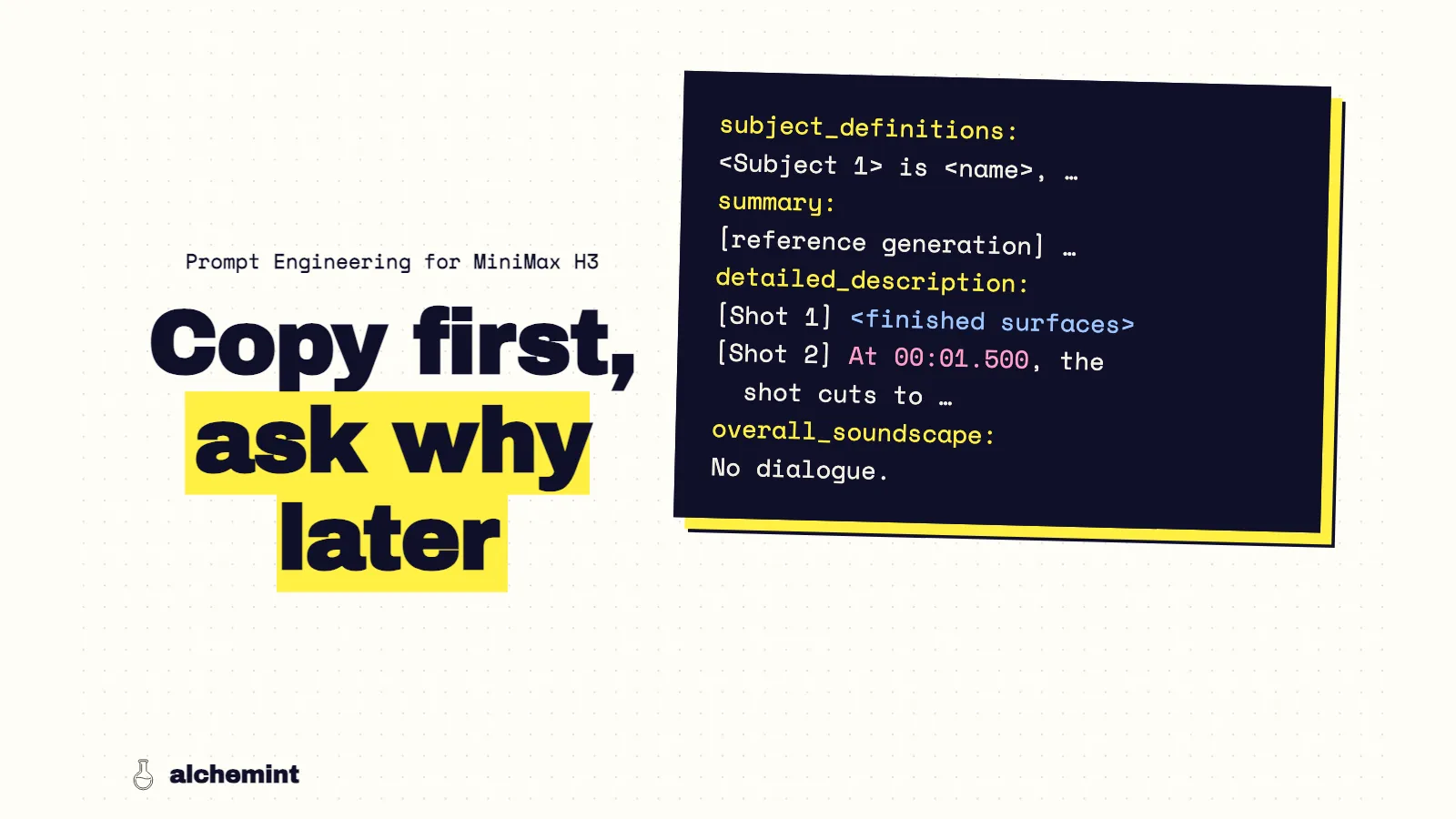
Prompt Engineering for MiniMax H3: A Previz-to-Video Template From 246 Clips
A fill-in MiniMax H3 reference-to-video template for Blender previz, followed by the five rules behind it, each measured across 246 clips. Here's the template first. It's for MiniMax H3's reference-to-video mode with a Blender previz as <Video 1>, written in MiniMax's official six-section format. Every choice in it comes from comparing 246 clips: 41 previz units, each written once by MiniMax's paid prompt optimizer (V1) and once by an agent following the official prompt-writing skill (V2), run on three open-source H3 builds. The reasons are below the template. The template The body is in English because the official format requires it. Angle brackets are placeholders. I assembled this template from the five rules below; it hasn't been run as a separate test. subject_definitions: <Subject 1> is <name>, <3–6 identifying features: hair, main outfit colors, signature accessory> in <Picture 1>. <Subject 2> is <prop>, <shape, material, visible markings> in <Picture 2>. <Subject 3> is <location>, <wall and floor materials, light sources, time of day> in <Picture 3>. <Video 1> is the <N>-second previz: camera, blocking, action order and contact timing. <Subject 1>'s proxy in <Video 1> is <color>. (one line per character, only if needed) summary: [reference generation] <one sentence: who does what, where it ends, who holds what at the end> retention_analysis: <Subject 1> (appears in [Shot 1], [Shot 2]): fully_preserved - identity, outfit and accessories. <Subject 2> (appears in [Shot 1], [Shot 2]): fully_preserved - shape and materials. <Video 1> (camera and blocking): fully_preserved - positions, motion and timing. Start: <starting state>. End: <ending state>. detailed_description: The target video is in <one-sentence style>. [Shot 1] <framing and camera>. <The finished surfaces this frame shows: materials, light, time of day>. <Subject 1>, <only the features visible at this framing>, <position in frame>, <action>. At the end of this shot, <who holds what, where>. [Shot 2] At <previz cut, MM:SS.mmm>, the shot cuts to <framing and camera>. <Same pattern>. <What starts right after the cut>. overall_soundscape: <ambience and action sounds; "No dialogue." if none> non_diegetic_music: N/A Checklist before submitting: Every previz cut appears as an At timestamp, and the times match the previz. Every shot opens with finished surfaces. The words gray, proxy and blockout appear once at most. No shot asks for something its framing can't show. Anything you don't want is cropped out of the reference images, not excluded in text. Every object the camera sees has a reference image or a material description. Why the template is written this way The official format tells you where things go. It doesn't tell you which sentences change the picture. These five rules come from the places where V1 and V2 produced different footage. Rule 1: Write every cut as a timestamp H3 takes cut timing from the text. The clearest case is one previz that cuts at 1.5 seconds. The optimizer's prompt said 1.1, and all three builds cut at 1.08–1.21 seconds. The skill-written prompt said 1.75, and all three cut at 1.71–1.75. Same video, two texts, two cut points, and neither landed on the video's 1.5. Across the batch, within a quarter second, previz cuts written in the text were cut in 43–56% of outputs; unwritten ones in 6–19%. Five cuts appeared only in the V2 prompts: V1 outputs cut there 0 times out of 13, V2 outputs 4 times. Other lines and seeds changed between versions too, so read that as a direction, not a rate. Copy every cut time from the rendered previz. The camera data alone isn't enough: in that unit it said 1.75 while the render cut at 1.5. If a paid optimizer rewrites your prompt, diff its timestamps against your list. Against the previz's camera data, it left out 10 of 53 cuts and moved 5. The cut-timing article has the full comparison. Rule 2: Describe finished surfaces, not the previz This is the rule I'm least able to prove and most sure about. V2 mentioned gray surfaces, proxies and previz 2.3 times as often as V1 (a median of 9 mentions per prompt against 4), and used 5.5 times as many negations ("not", "no", "do not"). V2 also left the previz on screen far more often: on the fast QuantFunc build, 13 of 39 units against 3. Many lines changed between the versions, so I can't pin the effect on one sentence. But V2 kept describing what it didn't want, and got it. So each shot should open with the finished world the camera sees: materials, light sources, time of day. "Wet stone paving under warm lantern light." Leave the previz mapping to one short line per character, and don't explain that the previz is only a placeholder. The same goes for objects without a reference image. A warning lamp modeled as a red sphere came back as a painted red sphere from every build, because nothing in the prompt said what kind of lamp it was. Anything the camera sees needs a reference image or a sentence describing its real material. The previz-leak article covers this in detail. Rule 3: Put in each shot only what the frame can show The character definitions describe the whole person. A shot only shows part of them. One unit opened on an extreme close-up of one eye. V1 asked for the eye and then for Kai standing near the gate, holding the box, partly visible. All three builds widened the frame to fit her face, the box and Kai. V2 wrote the same moment as: "The tight image contains the relevant eyelid, iris and nearby facial detail from her reference identity," then "While she is framed, <Subject 2> is outside the close-up, still holding <Subject 4> at his side." All three builds framed a single eye. The trick is to separate what is still true (he's holding the box offscreen) from what this frame shows (an eye). Several other lines changed between versions too, and on two builds the shot after the cut leaked previz. The framing fix held across all three, though, and I now write every close-up this way. Rule 4: Crop the reference instead of writing exclusions One character's reference sheet showed her with a football. Every V2 prompt she appeared in defined her with the line "the football on the sheet is not part of this action." In one gate scene, two of the three V2 outputs had a football at her feet. The V1 prompt for that scene never mentioned the football, and none of its three outputs had one. In three other scenes of hers I checked, I didn't spot one, so treat this as one warning case rather than a rate. A second case points the same way. Another character's sheet had a white backdrop, a name title and small pose drawings. V2 told the model to ignore the backdrop, the labels and the alternate poses. One V2 output pasted the whole sheet layout into the plaza anyway. If something on a reference sheet must not appear, remove it from the image. A clean single-figure crop costs a minute. An exclusion sentence names the thing you don't want, inside the prompt. Rule 5: Write what happens after each cut A gag needed three jump cuts: the same character, locked background, a new position each time, pressing a button again after every jump. V1 described the three positions, and none of its three outputs produced the jumps. V2 added what happens after each one: "After the jump, show him lean forward, extend his free hand, and actually touch the button." Two of its three outputs produced three clean position jumps. A cut is only legible if the shot after it starts something. Tell H3 what that is. For the request side of H3 (roles, reference modes, parameters), start with the MiniMax H3 prompt tutorial. Limits H3's open-source workflow takes 4–15 seconds per generation, so long sequences are split into units, and each unit needs its own starting state. Some effects failed in every condition no matter how they were written: freeze frames, dolly zooms, speed ramps. Those belong in the edit; see the prompt-versus-quantization article. V1 and V2 differ in many ways at once and each clip has its own random seed, so the rules above rest on consistent patterns across units, not single-sentence experiments. The full setup is in the series opener.
Read more →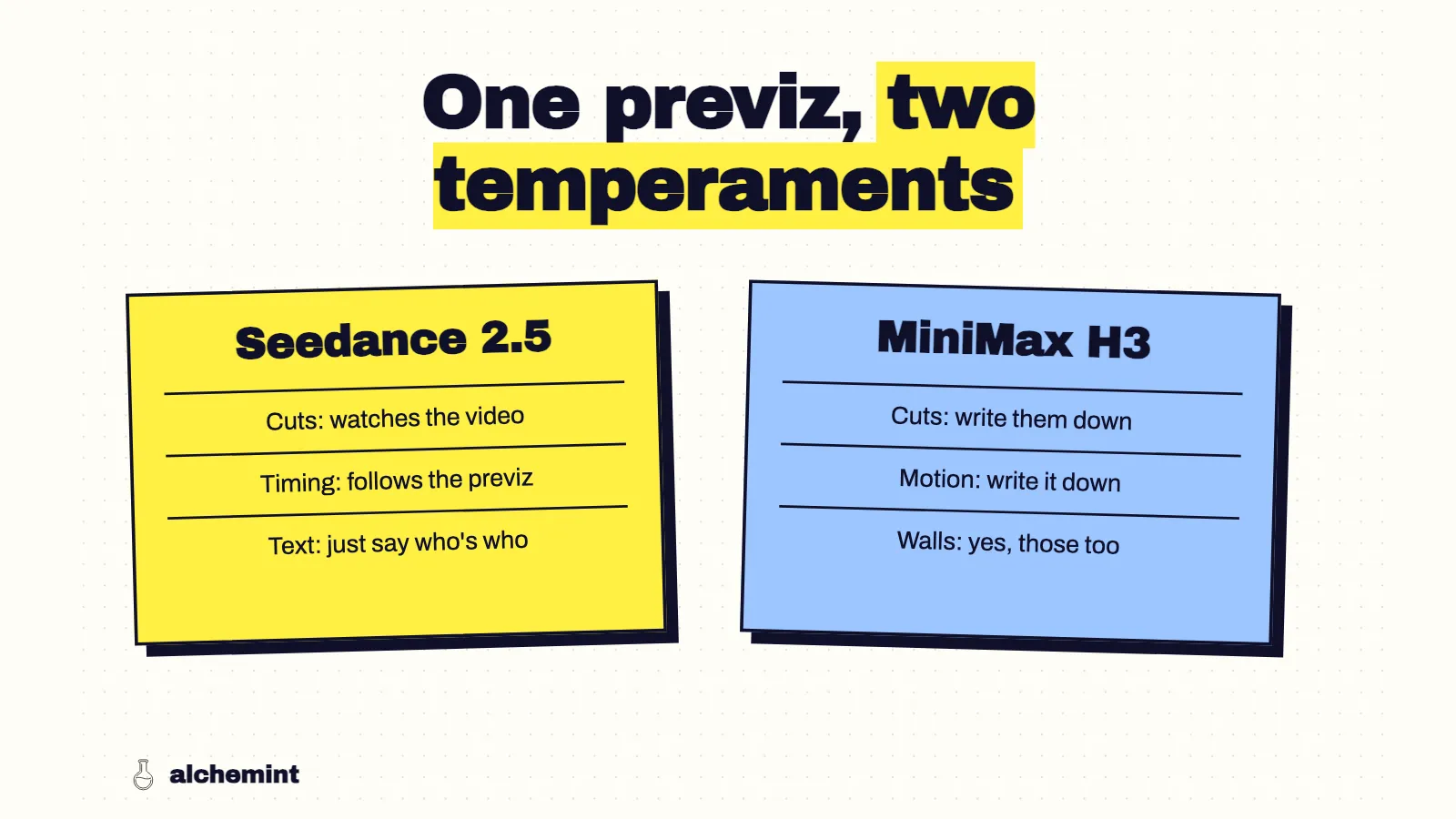
Porting One Previz Between MiniMax H3 and Seedance 2.5
Translating a prompt line by line between H3 and Seedance 2.5 doesn't work, because the two models take different things from the previz. What to move where, from 32 scenes written for both.
Read more →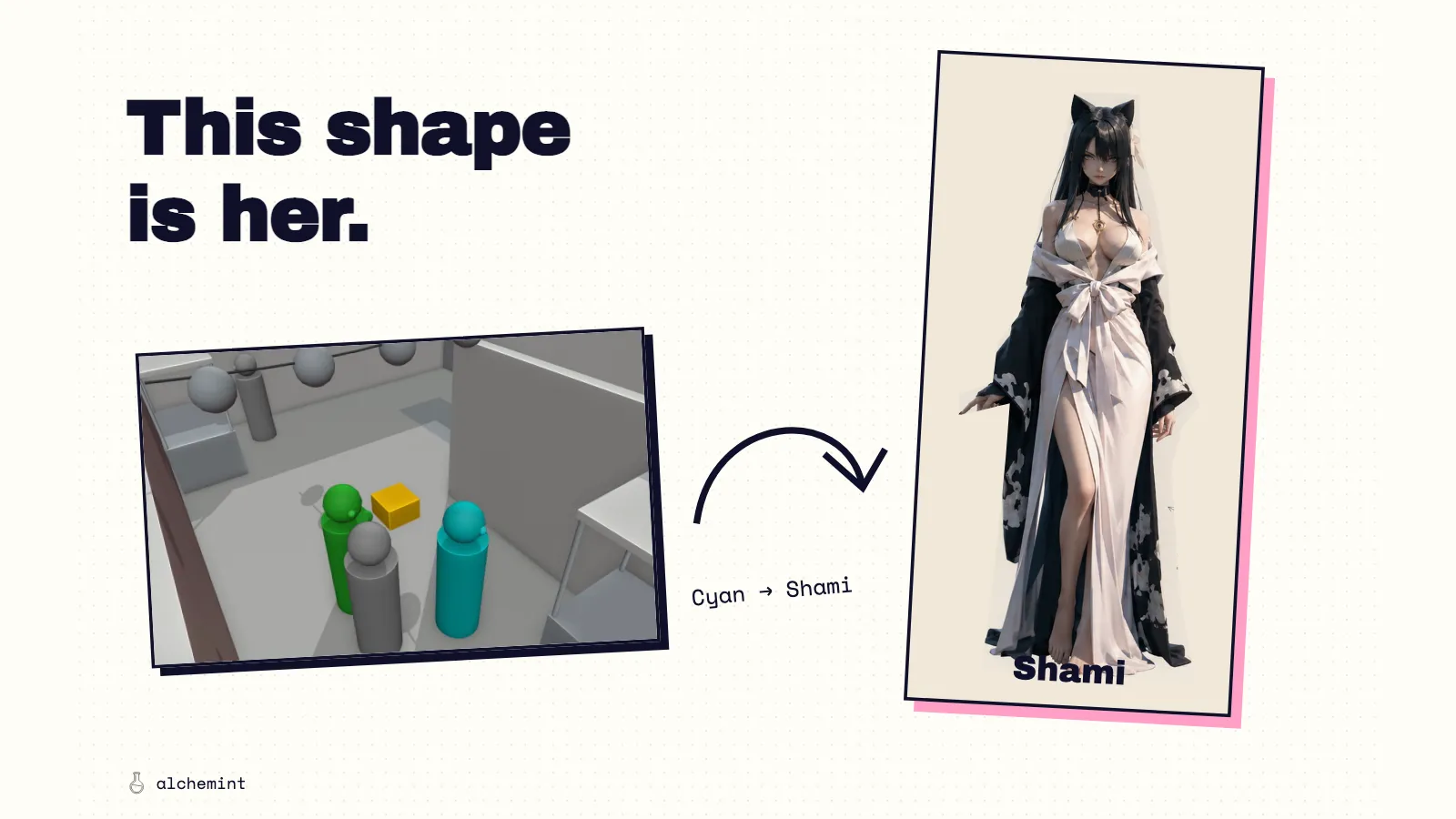
What Should a Video Prompt Do Once You Have Previz?
Use Seedance 2.5's official sd25-pe skill to organize previz, character sheets and scene references. An example shows how to specify identity, appearance, performance and sound.
Read more →Script to storyboard: how to break a scene into shots (and where AI takes over)
A storyboard is a list of decisions; the drawings only carry them. From a three-line script, mark beats, give each a shot, write start and end states, copy the template, see what AI can take.
Read more →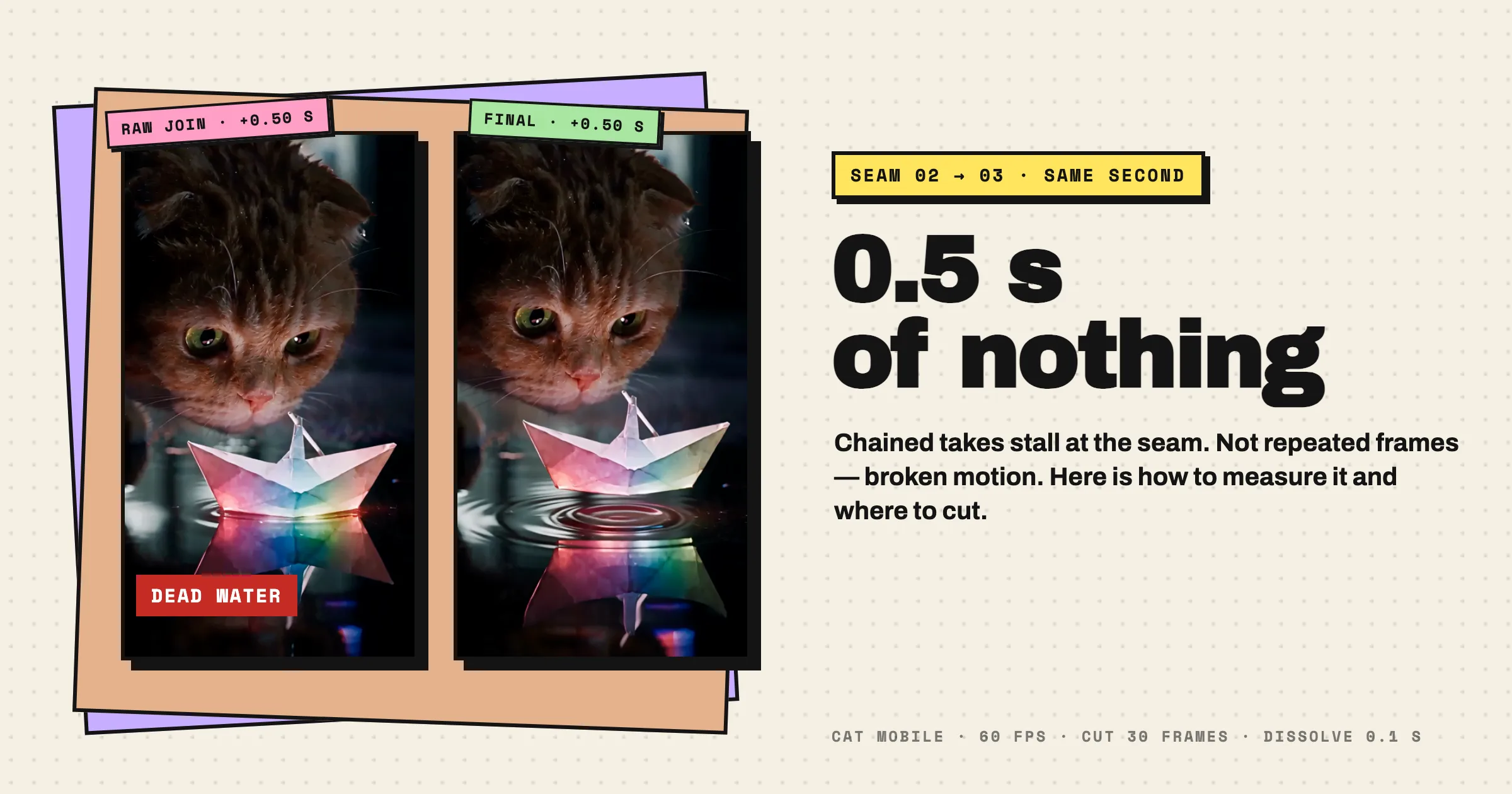
Extended an AI video and the join stutters? No frame repeats — the motion breaks for half a second
We measured the cat-and-paper-boat seam frame by frame. The portrait clip does not repeat the previous action: it barely moves for half a second before continuing.
Read more →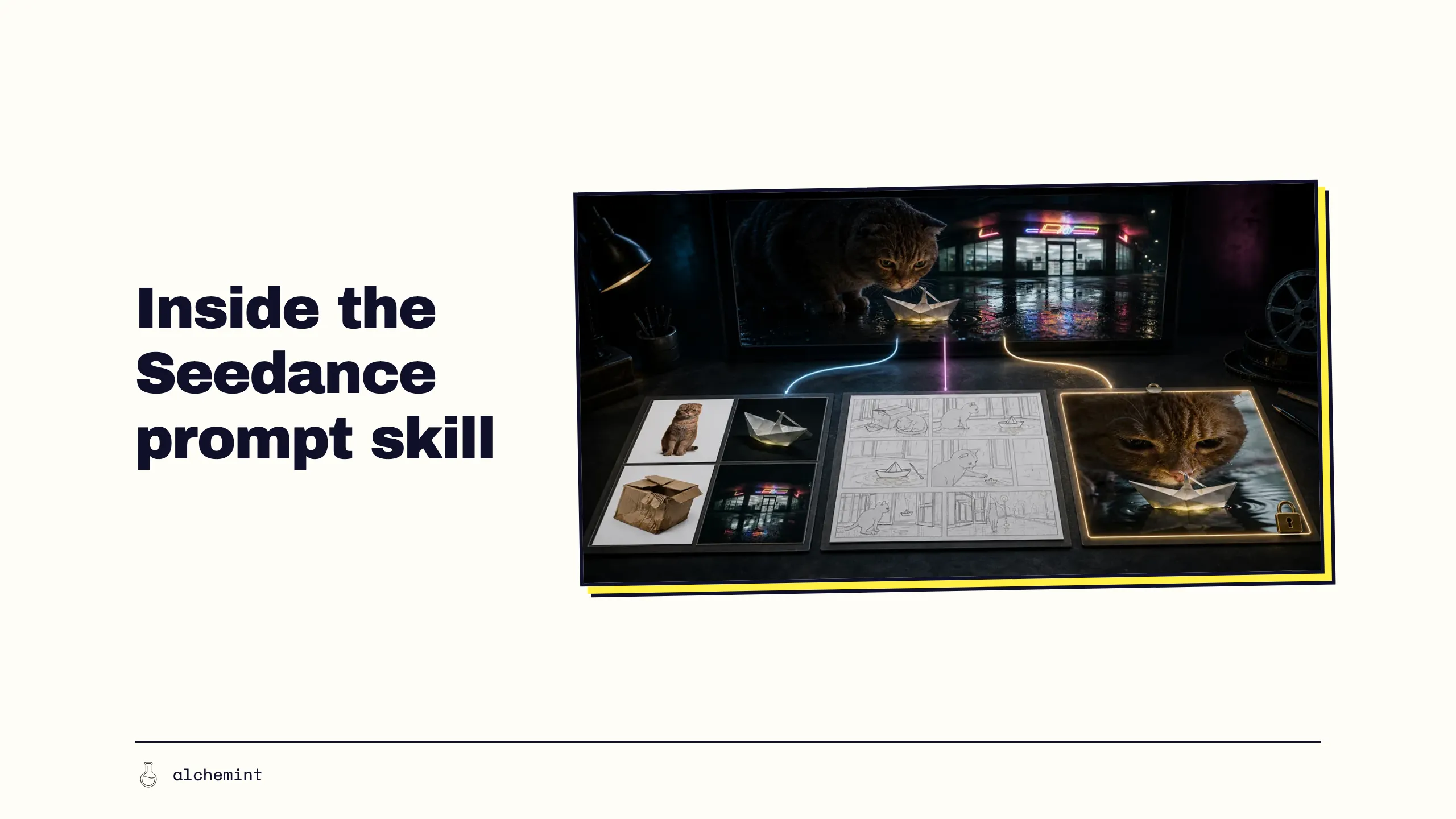
Seedance 2.5 Prompt Skill: Every Reference Needs a Job
We unpack ByteDance's sd25-pe v0.1.1: intent, asset roles, multi-panel storyboards, first frames, timing and generation settings. Detailed rules; zero magic.
Read more →