Methods, perspectives &behind the scenes
Product tutorials · Industry perspectives · Creative events · Release notes
22 articles

Seedance 2.5 Prompt Test: We Wrote Too Much and Confused the Camera
Our first prompt had a story, character IDs, an eight-panel storyboard and the ending. It looked fully loaded. Several camera plans collided. Here is how we rebuilt it for six Seedance submissions.
Read more →
Extended an AI video and the join stutters? No frame repeats — the motion breaks for half a second
Chain takes from the last frame of the one before and a plain concat sticks. We measured the cat-and-paper-boat seam frame by frame: nothing repeats, the motion stops for half a second. Short version: a plain join does stutter — just not the way you think. Here is what happened. The cat-and-paper-boat clip (the whole story is in Making a video with AI: a paper boat comes for a stray cat) was generated in three takes, each one seeded with the last frame of the take before it. Seedance 2.5 honours that very well; the compositions on both sides of a seam are nearly glued together. The director watched 02 and 03 and said: "The first frames of 03 look like they overlap the tail of 02 — see how to handle that when you cut." So we really did look, frame by frame. Verdict: no overlap. Not one frame repeats. And yet it does stick. What "stuck" actually is: half a second of dead water Take the first 240 frames of 03 and match each one against the last 240 frames of 02. If the timelines truly overlapped, the correspondence would draw a slope: frame 10 of 03 looks like frame −30 of 02, frame 20 like frame −20, and so on. What we got was a flat line. Every early frame of 03 looks most like the last frame of 02, and the similarity only decays over time. Nothing is re-enacted. What is really going on is obvious once you watch what each take is doing: End of 02: the paper boat spends about five seconds unfolding into a rainbow six-pointed star. Start of 03: the star folds back into a boat, the boat lifts off, and the cat follows it into the street. The fold is not a rewind; it is the wind-up before lift-off. The problem is the first 0.5 s of 03, which barely moves. Generated video warming up from a reference first frame does this all the time — we call it slow-start dead water. Join the takes raw and the audience sees: star opens to the top, freezes for half a second, then folds. That freeze is the entire truth behind "it stuck" and "it repeated". The same 02→03 seam. Top row, raw join: 03 barely moves for about half a second. Bottom row: 30 frames cut plus a 0.1 s dissolve. The curve underneath is per-frame motion; the half second where the red line drops into the shaded band is the dead water. Same second of footage, looping at half speed. Left is the raw join, which pauses after the seam; right is the final cut, which keeps going. At half speed that half second becomes a whole one, and the eye cannot miss it. Before you cut: make sure the footage is not lying to you We had not planned to write this section. One sentence forced it: "I thought the originals were 60 fps — why did it come out 30?" It had not. The file was true 60. The 30 came from CapCut, which reports its project timeline rate, not the footage. But that sentence made us go back and measure all three takes, and the measuring found two real problems. Method first. A video has three "frame rates", and they are not the same thing: Frame rate What it is Who can change it Container fps The number in the mp4 header Anyone, any tool, any value Frame density Frame count ÷ duration; the container really holds this many frames Interpolation, repackaging Effective fps What actually moves once you discard frames nearly identical to the previous one Only the pixels themselves Pack 30 fps content into a 60 fps container and the first two numbers dutifully say 60. Only the third one tells the truth. You cannot detect padded frames by counting "frames with diff equal to zero". Once a duplicated frame is re-encoded it picks up compression noise; the diff lands between 0.02 and 0.15, and any absolute threshold misses it. We look at phase structure instead: within every P frames a fixed number do not move, and that periodic signature survives compression. Measured: padded footage shows an odd/even phase difference of 7.5×, real footage 1.1×. No judgement call needed. The two things we found: Take Frames Near-still frames Reading cat_mobile_01 722 2 (0.3%) clean 60 cat_mobile_02 1020 137 (13.4%) stalled frames; effective smoothness around 52 fps cat_mobile_03 1082 1 (0.1%) clean 60 The 13.4% of stalled frames in 02 always come in pairs, 8 to 12 frames apart, with normal frames on either side. That is not a frame-rate conversion (30→60 would give 50% duplicates with a diff of exactly zero); it is a random defect of one generation. Usually only one take in a batch catches it, and regenerating that take clears it. We did not regenerate, because 13% is hard to see in a moving shot (and because the boss's tokens are finite). The second finding was more embarrassing. The landscape 03 turned out to be 854×480, 24 fps, 433 frames. It was the preview download. Generation platforms usually offer a preview and an HD file, and the names can be identical. Join the preview and you upscale 3.7× into mush, and 24 fps into a 60 fps timeline needs interpolation that cannot be recovered. Back to the platform, download again. That check is now the first step of our process, no exceptions. Only three kinds of seam, and they are cut in opposite ways Get the class wrong and the fix makes things worse, so classify before you cut: Type Signature Treatment Different shot The first frame of 03 is about as similar to every frame of 02 as two unrelated pictures Hard cut; do not add a transition Composition continuation The first frame of 03 matches the last frame of 02, and the correspondence curve afterwards is a flat line Cut the dead water, short dissolve True overlap The correspondence curve is a slope; 03 re-enacts 02 Cut the re-enacted stretch The key is that correspondence curve, and it needs a control group: the median MAE of random pairings. Without it you cannot tell whether "MAE 11.6" is similar or not. In the portrait batch, the first frame of 03 against the last frame of 02 scores 11.6 with a control median of 46.6 — that is similar; the 01→02 seam sits around 50 across the board, the same as the control — that is a shot change, meant to be a hard cut, leave it alone. A single-frame comparison cannot separate composition continuation from true overlap, and their cuts are opposites: one trims the head of the new take, the other trims the tail of the old one. Pick the cut by ratio, not by absolute value For a composition continuation the only decision is how many frames to cut. We use one rule: Motion in the 0.6 s after the seam ÷ motion in the 0.6 s before it should approach 1. Below 0.75 is dead water, the motion does not connect; above 1.4 is a lurch, you cut too much and the motion suddenly speeds up. The portrait numbers: 0.54 uncut, 1.45 with 30 frames cut. This rule was earned, and not cheaply. The landscape footage looked identical to the portrait. Following the portrait logic we looked only at 03's own curve — "low then high", must be slow-start — and worked out a cut of 54 frames. The answer was 0. Landscape 02→03 No cut Cut 30 Cut 54 After ÷ before 0.93 0.99 1.59 The landscape 02 simply ends slowly (motion 0.48; the portrait is 0.83), so 03 opening at 0.45 is a match, not dead water; the climb to 2.0 afterwards is not "slow-start ending", it is the cat actually starting to follow the boat. Same curve, different baseline, opposite conclusion. Two batches that look the same needed 30 and 0; you cannot copy one onto the other. That one is on us. Even at a cut of 0, keep a 0.1 s cross-dissolve. A continued take differs from the previous tail in texture and lighting (MAE usually 10 to 13), so a hard cut flashes; since the composition matches, the dissolve does not ghost. Three FFmpeg landmines The join is encoded in a single pass with nothing written to disk in between, so there is no second generation of quality loss. But the filter chain has three landmines, and they are landmines because they fail in unintuitive ways: The output of concat must go through fps=60,settb=AVTB before xfade. Otherwise you get Error reinitializing filters, a message that never mentions timebase — and each step runs fine on its own, only the chain dies. Every audio stream needs aformat to unify the sample format. Otherwise the AAC encoder returns -22 Invalid argument and looks broken. A wrong xfade offset does not error. FFmpeg exits 0 and puts the transition at the wrong time; you only find out on playback. The first two fail loudly and are easy to trace; this one fails silently. So the script reads durations with ffprobe, computes the offset, and prints it. Verify after cutting, and not just the headers Duration reconciliation: the output duration equals the sum of the takes minus the seconds cut minus the dissolve, within a few frames. Portrait: 12.033 + 17.020 + 18.033 − 0.5 − 0.1 = 46.49, actual 46.50. Seam frame grabs: pull a few frames either side of each seam and look at them side by side — no ghosting on the dissolve, continuity across the hard cut. Effective fps: measure the output again; it should match the sources. The portrait output has 2 duplicate frames in 2,789. Segment-wise audio: run volumedetect at several points along the clip for silences and clipping. Its output is at info level; -v error shows nothing. Frame grabs and motion curves are not the same as having watched it play through. That sentence stays honest. The tools are open source The three scripts — footage QC, seam diagnosis, the join — and every rule above are in the public Curtoom video-clip-stitching skill, one line to install for Claude Code or Codex. Honestly, the whole thing started with the director saying "wait, I thought you could do this with ffmpeg?" — it was ffmpeg the entire way, no editor opened. Storyboards govern what happens before generation; for writing panels so shots connect, see Use a simple storyboard to make every shot connect; for the panel-by-panel check of the eight-panel storyboard against the final video, see Does an AI video really read the storyboard?. This article only cares about the 0.5 s after you have the three takes in hand.
Read more →
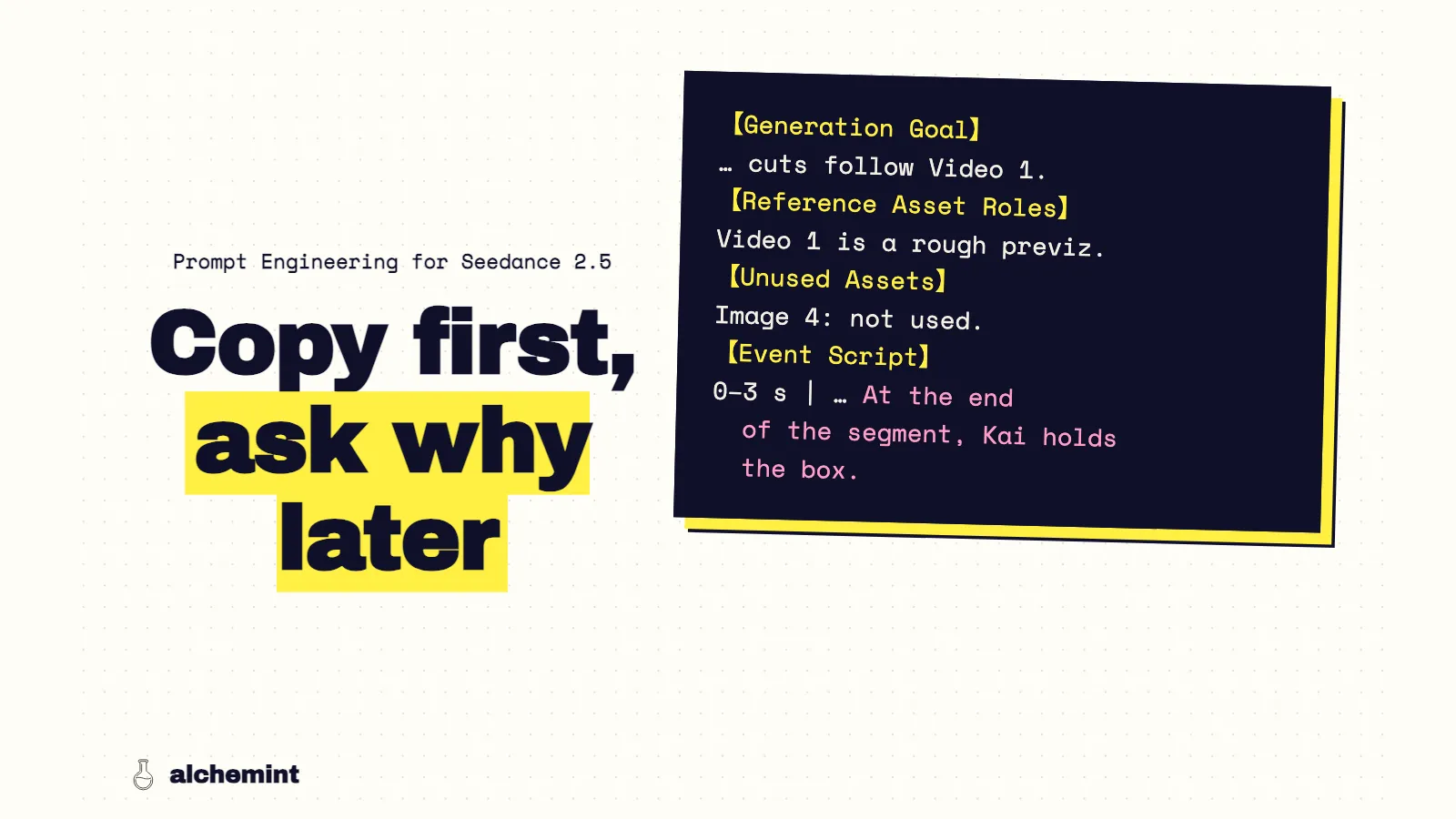
Seedance 2.5 Prompt Skill: Every Reference Needs a Job
We unpack ByteDance's sd25-pe v0.1.1: intent, asset roles, multi-panel storyboards, first frames, timing and generation settings. Detailed rules; zero magic.
Read more →
AI Video Previsualization: We Built a Box Cat in Blender
Before generating the paper boat and stray cat, we used Claude Code and Blender MCP to build a 30-second, eight-camera previz for blocking, framing, occlusion and the final exit.
Read more →
Making an AI Video: A Paper Boat Came Back for a Stray Cat
A paper boat comes for a cat that has waited too long. In under ten minutes, we split the story into three acts, then used reference images, a Blender blockout and six generations to make two films.
Read more →
Does Seedance 2.5 Read Storyboards? We Found All 8 Panels
We matched two multi-panel storyboards against the 60fps final films. All eight panels made it; the P02/P03 blur and Desktop Act 3 jump cut exposed our undercooked camera directions.
Read more →
"With AI, you too can be a director." A year ago that sentence was called vibe coding
"Make AI video" and "make video with AI" are one thing to the search engine, the keyword databases and the AI summary. The ads sell the title of director; the product delivers eight seconds.
Read more →How to make a short film with AI: the full workflow, with real costs
A two-to-five-minute film made with AI is a small production. The full workflow from script to export, and a way to count what it costs, using a feature film that published its whole process.
Read more →How to make a short-form video with AI: script, storyboard, generate in segments, edit
Short-form made with AI fails when you generate thirty seconds at once and crop landscape to vertical. One 30-second explainer, ratio first, one shot per generation, with a checklist.
Read more →
$500,000, 14 days, 115,446 generations: what efficiency actually looks like
Higgsfield open-sourced Hell Grind — 95 minutes plus the entire pipeline. We counted the whole project: 115,446 generations, 88.8% of them video, about 180 clips behind every finished shot.
Read more →
Casting became asset locking, cinematography became prompt engineering: Hell Grind's 2.5 million words
Two full scenes of Hell Grind's prompts: 868 files, 2.5 million words. Only 223 were ever written — the rest is the same text sent again. A production-grade prompt reads like a contract.
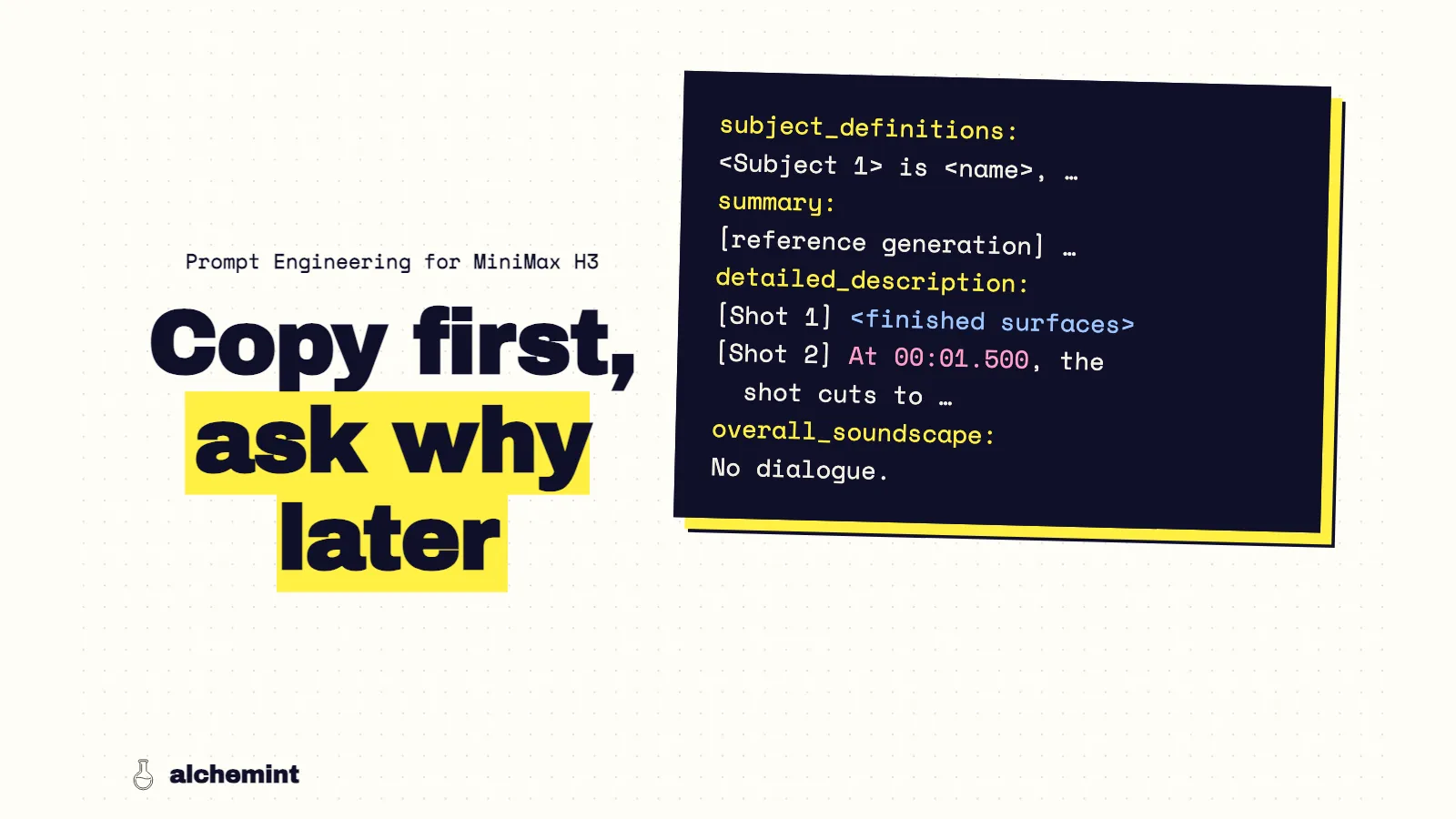
Read more →How to prompt MiniMax H3: the formula isn't in the guide, it's in the API
The official guides show six examples and no formula. The real structure sits in the API reference — the content array's role field, fifteen named camera commands, and rules that override your prompt.
Read more →How to write Seedance 2.0 prompts: a practical guide from subject and action to camera work
The official Seedance 2.0 prompt structure, turned into a field-by-field workflow: what each piece of text controls, and which field to fix when a generation fails.
Read more →Are Seedance prompts widening the doorway into filmmaking?
A video-generation prompt is not a gacha incantation. It is every decision of the film production process, collapsed into one paragraph.
Read more →Who owns what you make with AI? Read three clauses, not the headline
Every AI platform says it does not claim ownership of your work. That sentence decides almost nothing. What decides it is the licence next to it — and one company rewrote that in six days.
Read more →Can you use AI-generated content commercially? It is four gates, not one
"Commercial use allowed" is not a yes or no. Plan tier, attribution, the infringement risk nobody indemnifies, and the publishing platform's own rules are four separate gates.
Read more →Can you edit AI-generated video? From regeneration to generative editing
AI video models are beginning to edit the clips they generate. Seedance 2.5 shows what changes when creators can replace, preserve and extend instead of rerolling from scratch.
Read more →One idea, two models: Seedance writes structure into the text, MiniMax writes it into the protocol
ByteDance ships a forty-thousand-character guide; MiniMax's guides show six examples. The difference isn't that one has rules — it's that they put the same structure in different layers.
Read more →
Create Video with AI: use a simple storyboard to connect every shot
Each AI clip looks beautiful on its own, but together they feel like different films. A simple storyboard lets you decide how every shot begins and ends before you generate it.
Read more →
Create Video with AI: start with text, an image or a script?
Text-to-video and reference-driven video are not mutually exclusive, and script-to-video is just the film workflow. Start from what you have and what cannot drift, then pick each shot's input.
Read more →
Create Video with AI: your prompt is your video
You do not need to become a director or editor first. Start with an idea, a few reference images and a simple storyboard, then turn AI-generated clips into a short video you can actually publish.
Read more →"The shot moves left to right" — but which command is that? A complete guide to AI video camera moves
Every shot you can picture has a camera term attached to it. This guide takes apart every move a camera can make, strips out the duplicate names, and maps plain English onto the command to write.
Read more →