
Before You Swap MiniMax H3 Weights, Rewrite the Prompt
Across 246 H3 clips, changing the prompt moved the picture more than changing the quantized build. Some failures follow every build; those belong in the edit, not in another render.
When an H3 shot comes back wrong, the tempting fix on a local setup is to try another build. I had three on hand, QuantFunc, Kijai and lilcheaty, so I measured how much switching between them actually changes a shot, compared with rewriting the prompt.
For every previz unit I had six clips: three builds, each run with two prompt versions. I compared the layout of every pair of clips frame by frame, using the correlation of blurred grayscale frames at the same timestamp. Every job ran with its own random seed, so each pair differs by at least a seed.
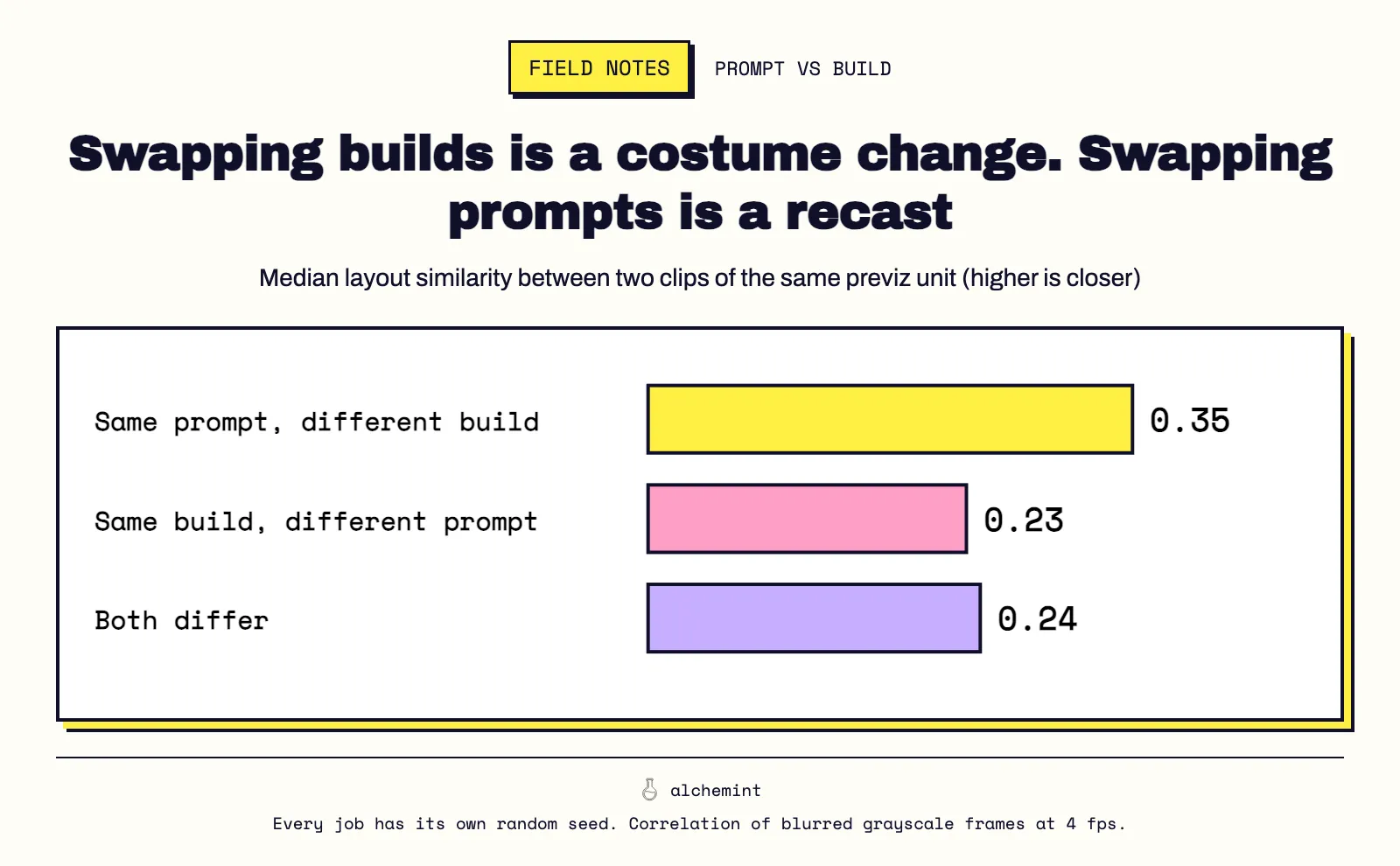
| What differs between the two clips | Median layout similarity |
|---|---|
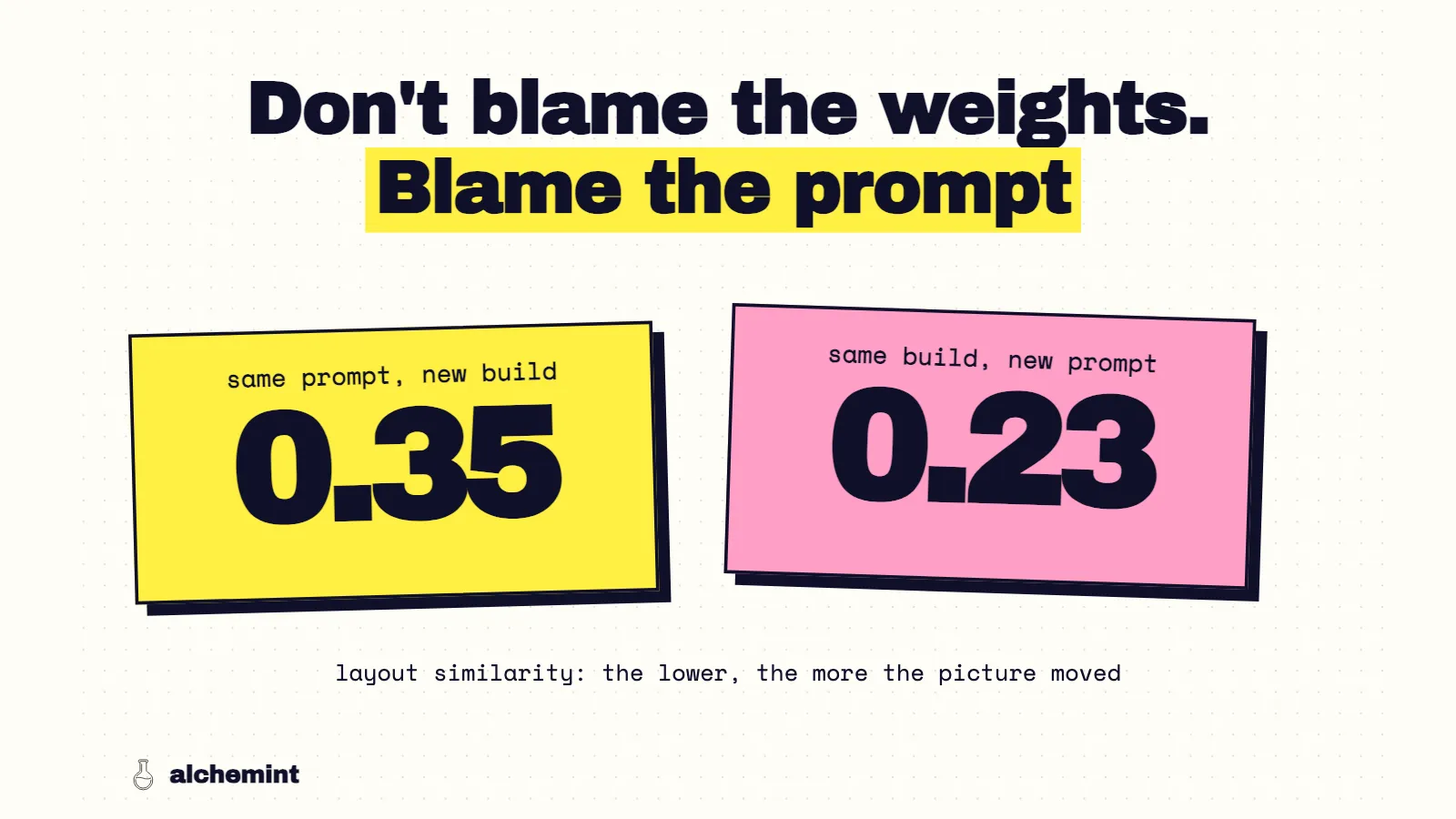
| Same prompt, different build | 0.35 |
| Same build, different prompt | 0.23 |
| Both differ | 0.24 |
Swapping the prompt moved the picture about as far as swapping everything. Swapping the build, with the prompt held, kept the clips much closer to each other. On this batch, the prompt decides what the shot looks like. The build mostly decides speed, how much of the previz leaks onto the screen and how a clip fails. Those are covered in the quantization article.
What the prompt rewrite actually changed
The two prompt versions came from two different routes. V1 is the output of MiniMax's paid prompt optimizer. V2 was written by an agent following MiniMax's official prompt-writing skill. Same previz, same reference images, same builds. Within each build, V2 against V1:
- The output traced the previz more closely. Edge similarity to the previz went up in 61–71% of units, depending on the build.
- More of the previz stayed on screen. QuantFunc went from 3 leaking units to 13, lilcheaty from 1 to 9, Kijai from 1 to 6.
- More cuts landed. Against the previz's camera data, V1's text had silently left out 10 of the 53 cuts and moved 5 more. With V2's complete cut list, cut compliance rose from 54–56% to 58–75%.
So neither version was simply better. V2 got the edit right more often and the surfaces wrong more often. Both effects are larger than anything the build changed. The H3 template keeps V2's cut list and drops the habit I think left the previz on screen.
What no build or prompt fixed
Some techniques behaved the same way in all six conditions. Those are limits of H3 on this kind of input, and they told me where to stop re-rendering.
| Result in all six conditions | Techniques |
|---|---|
| Kept | crane up, horizontal pan, split screen, dissolve, crash zoom, cutaway and return, iris close, insert shot, vertical tilt, side tracking, Steadicam-style follow, locked-off timelapse |
| Only partly kept | 360° orbit (arcs, never a closed circle), slow motion, fast-to-normal speed ramp, handheld follow, tracking around a corner |
| Failed | dolly zoom, a three-second freeze frame, an empty static establishing shot |
The failures have something in common. H3 handled camera position well: up, sideways, tilted, zoomed in fast. It didn't handle effects on time or compound lens behavior. The freeze kept heads, hands and lights moving. The dolly zoom came back as an ordinary framing with a character walking in. The fast-to-normal ramp read as a chase that slowed down, often with the cart stopping outright, instead of a change in playback speed.
I'd stop trying to generate these. A freeze is a frame hold in the edit. A speed ramp is a retime in the edit, once the motion itself is right. A dolly zoom I'd either drop or rebuild as a separate push-in plus a zoom in post. That last one I haven't tried yet.
The empty establishing shot failed differently. The previz held one high, fixed view of an alley for four seconds with none of the cast in it. Every output either started somewhere else, inside the tunnel door or at street level, or cut away to a different height. None held the high empty view. If you need a clean establishing shot, I'd generate it as its own unit with no characters referenced at all. That's a guess I haven't tested.
Jump cuts sat on the line. Three position jumps of the same character against a locked background landed in two of the six conditions, both from V2. V2 wrote what happens after each jump: "After the jump, show him lean forward, extend his free hand, and actually touch the button." V1 only described the positions. That's a case where the prompt, not the build, made the difference.
The order I debug a bad H3 shot now
- Is it on the failed list? Then the fix is in the edit. Don't spend another render on it.
- Is every cut written as a timestamp in the text? H3 cuts where the text says. An unwritten cut rarely happens: 6–19% of clips in my test, against 43–56% for written ones.
- Does each shot describe the finished surfaces the camera sees? If the shot leaks previz, rewrite the shot description before touching the build.
- Did the same unit fail as color noise under two prompts? Only then is it the build. Move that unit to another one.
That order puts the build last. Re-running one weak prompt on all three builds mostly compares results the prompt has already decided.
How I measured
The full setup is in the series opener. Specific to this article:
- Layout similarity is the median correlation of blurred grayscale frames sampled at 4 fps from two clips of the same unit. It measures composition and placement, not quality. The two Kijai units that failed as noise are excluded.
- Technique results come from 438 manual judgments of each previz technique against each output. Previz-leak and cut numbers use the methods described in the quantization article.