
A 3-Minute AI Animation Cost Us About $196 to Generate
Our three-minute AI animation cost about $196 to generate. A framework for small teams: build references, try a story beat, use official prompt skills, then generate and edit.
Our roughly three-minute AI animation cost about $196 to generate. Seedance 2.5 produced the footage, Claude Code and Codex helped with preparation and Blender previz, and our team handled the edit. The production reinforced one thing: the budget needs room for experiments, but endless rerolls just help ByteDance become an even greater company.
The complete heist animation, running 2 minutes and 52 seconds. The price in this article corresponds to this film. More exacting performance, continuity and image quality would require further production work and budget.
The amount is estimated from the usage charged against the plan bought for this production. It covers video generation; image generation, software subscriptions and labor are separate.
Three minutes on screen took twenty-one minutes of generated footage
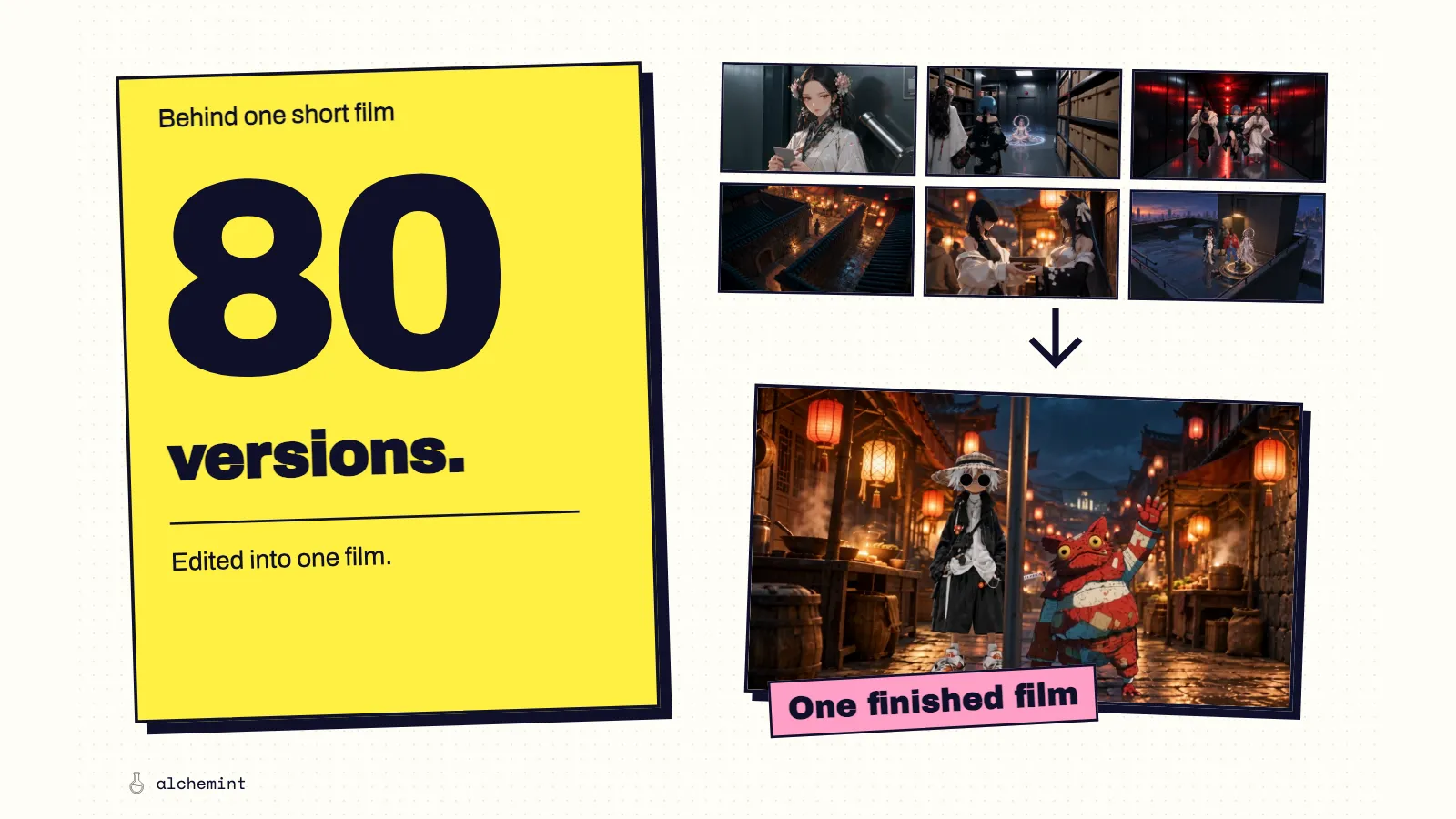
Across the series, we completed 80 successful video generations totaling more than 21 minutes. I selected and trimmed that material to make the film above.
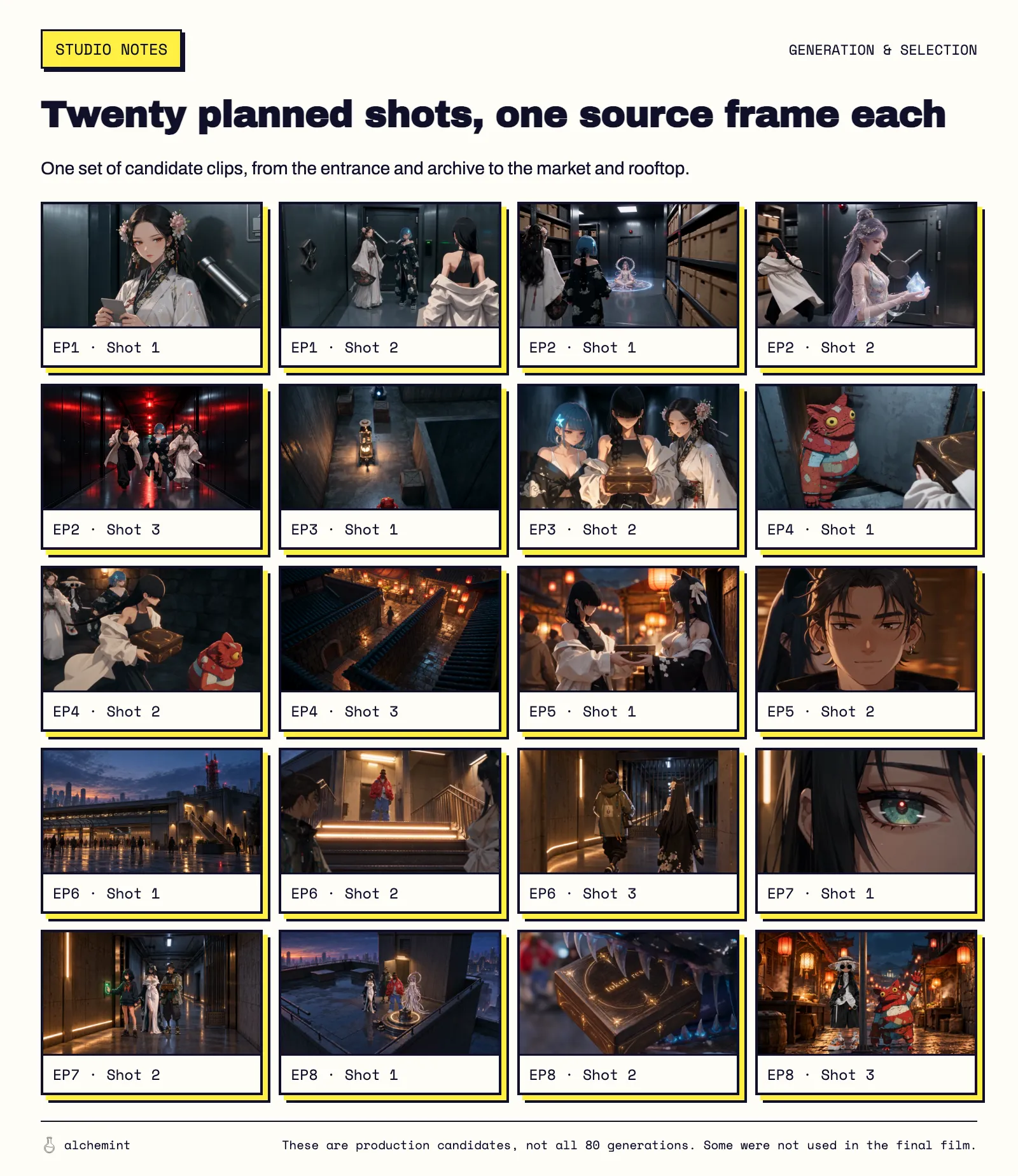
A contact sheet of one set of production candidates, not all eighty generations. Some clips were not used in the final film.
Some versions explored the story. Others changed the staging or camera, or sought an action a previous output had missed. All used production resources, but calling every extra version a failure would miss the purpose of development. The useful question is what the next generation needs to resolve.
Suppose a shot needs to show two people passing a box, but a bystander hides the hands. Submitting the same arrangement again and hoping for a clearer result spends money differently from fixing the obstruction first. Repeated submissions leave the model to find a solution; a staging revision addresses a problem whose cause is already visible.
A three-minute animation budget has to allow for development, revisions and additional shots. Buying exactly three minutes of generation assumes every scene works on the first attempt and every second survives the edit.
An unclear prompt can turn the budget into repeated guesswork
Ask only for “two people passing a box while walking,” and the model still has to decide who starts with it, where they release it, how the other person catches it and where the camera watches from. Discovering each unwanted decision after generation is an easy way to keep paying for versions you cannot use.
Our market sequence had a specific reference problem: Kai's character image included a notebook and pen, while the scene needed his hands free for the box. The prompt had to exclude those accessories and explain which parts of the image supplied his appearance. It also needed to state who held the box before and after each exchange. Leaving those conditions open creates more things to inspect and potentially repair in the next output.
Text has limits, though. In an earlier previz of the market toss, a bystander blocked the moment the box left the hand. We raised the camera from 1.0 to 2.4 meters to change the viewing angle. We could modify and play that decision in Blender before paying to generate the finished characters and materials.
I would settle movement and camera placement in previz, then use the prompt for identity, appearance, performance and sound. Clear text tells the model how to use the references. Readable previz gives that text a scene worth following. The previz article and prompt guide explain those jobs in detail.
We did not run a controlled cost comparison, so this production cannot supply a savings percentage for previz. What it does show is that an obscured handoff can be found and revised before another paid generation.
Higgsfield submitted one unchanged prompt sixteen times
Detailed prompts still leave room for variation. In our earlier analysis of Higgsfield's public Hell Grind production materials, the 251 videos collected from its cold open came from just 65 distinct prompts. Each prompt was submitted about 3.9 times on average. One unchanged prompt was submitted 16 times. Our full prompt analysis documents the comparison.
In that group of sixteen outputs, several defining character features persisted while shot size, composition and lighting varied. The team had specified many requirements and still generated multiple candidates.
That has a direct budget consequence. Raising the requirement from a usable image to the right camera distance, performance timing and continuity leaves fewer acceptable versions. Continuing to pursue a better take means more generation, viewing and repair. With repeated generation as the main method, an ambitious animation budget is unlikely to stop at our $196.
Hell Grind differs from our film in length, production scale and requirements, so its generation counts cannot price the next short. They do establish that detailed prompts and asset rules can coexist with a large volume of candidate footage. A budget needs room for selection.
What this gives ordinary people like us
For a small team like ours, cheaper footage means we can see what a story looks like earlier. Try one beat, watch the characters move, then work out their relationships and what should happen next. On the next project, I would divide the work into four parts and fill in the gaps as we go.
1. Define the world: character sheets and scene maps
Start with the characters and map this scene needs. Have reusable references for what each character looks like, wears and carries. Draw where people enter, where the doors are and where an object needs to go. Two people standing across a corridor can do different things from two people around a corner.
Build enough of the world to shoot the next scene. We saw a few prototypes first, thought of that Ocean's Twelve feeling of people working together in a relay, and developed their relationships and world later. If new footage changes a route or relationship, put that decision back into the shared notes for the next scene. There is no need to finish an encyclopedia before starting. Our worldbuilding article contains the character roles and maps we actually used.
2. Put the action on screen before polishing the script
For a small team still figuring things out, I would put more effort into designing what happens on screen. Write one beat at a time: who does something, how someone else reacts, and what has changed by the end. It can be as small as tossing an access card. The whole film does not need a finished script yet.
Take Biwa tossing the card. Calling her “an experienced thief who likes teasing rookies” gives us little to discuss about just how annoying she should be. Have her toss it, watch Suseka's reaction, then decide how MeiHua should look at her and what follows. Now we can judge their relationship on screen. If the action is not funny, or simply makes no sense, revise the movement, camera or reaction.
Cheap footage changes the order of creation. We can make a short passage, see how the characters move, then develop why they behave that way. An interesting action in a prototype might suggest a story we had never written. Footage, character notes and the script can change together; the text records the decisions we keep so the next scene follows from them.
So do not avoid rerolls. Trying a different pause, glance or reaction is part of making the film. Just know whether this round tests a new performance or repairs an error you already found. Keep the useful passages and decide on the next beat. That suits our way of working better than repeatedly polishing a long script we have never tried to shoot.
3. Install the official prompt skill in your local agent
For now, you do not need to understand how a video model works internally. You do need to know how to prompt the model you use. Where the provider has packaged that guidance as a skill, let your local Claude Code or Codex read it alongside your materials and request.
- MiniMax H3: the official
h3-prompt-writingselects a prompt structure for text, keyframes or multimodal references, covering visuals, sound and reference labels. - Seedance 2.5: the official
sd25-peorganizes story intent, asset roles, action causality and end states. A previz can supply movement while a character sheet supplies appearance; those roles need to be explicit.
Choose the installation for your model. MiniMax documents its command in the official repository; we cover Seedance's installation and use in this walkthrough.
# MiniMax H3
npx skills add https://github.com/MiniMax-AI/MiniMax-H3 --skill h3-prompt-writing

# Seedance 2.5
npx --yes skills@latest add https://arkdocs-en.tos-ap-southeast-1.volces.com/skills/ --skill sd25-pe --yes
Once installed, give the agent the assets for this scene and a request like this:
Use this model's official prompt skill to write a prompt for this beat from the attached character sheets, scene reference and previz. Specify each asset's role, the action's starting and ending states, and the performance I requested. Preserve my character relationships and the outcome of the scene.
Read the prompt back. Check that it assigns the right references to the right characters, preserves the action order and still includes the reaction you wanted to shoot. The skill organizes your request. You still have to say what the scene should express.
4. Give previz, prompts, generation and editing clear jobs
At this point, the division of work can be specific:
| Work | What it needs to resolve |
|---|---|
| Previz | Use an editable previz to arrange positions, prop exchanges, cameras and timing. Check whether the action reads. |
| Prompt | Define reference roles, character appearance, what to retain or replace, performance and sound. |
| Video generation | Produce candidate footage from those instructions, then inspect the actual performance and images. |
| Editing | Join the usable passages. Decide how long to hold, which reactions matter and what footage is still missing. |
If the previz puts the box out of reach, fix the space there. If an unwanted accessory comes over from a reference image, check whether the prompt specifies how to use that image. If individually usable clips drag when joined, try an edit before ordering more footage. If watching reveals that the relationship itself does not work, return to the story. Go through the four parts again.
Put each batch of footage on the timeline. A missing reaction gives the next generation a specific job. A passage that already works through editing does not need to wait for a source clip that is perfect from start to finish. What we keep and how we cut it remain our decisions.
Oh, and remember to use the boss's credit card.
There is no good or bad story, but there are clear differences in how well it is put on screen.