
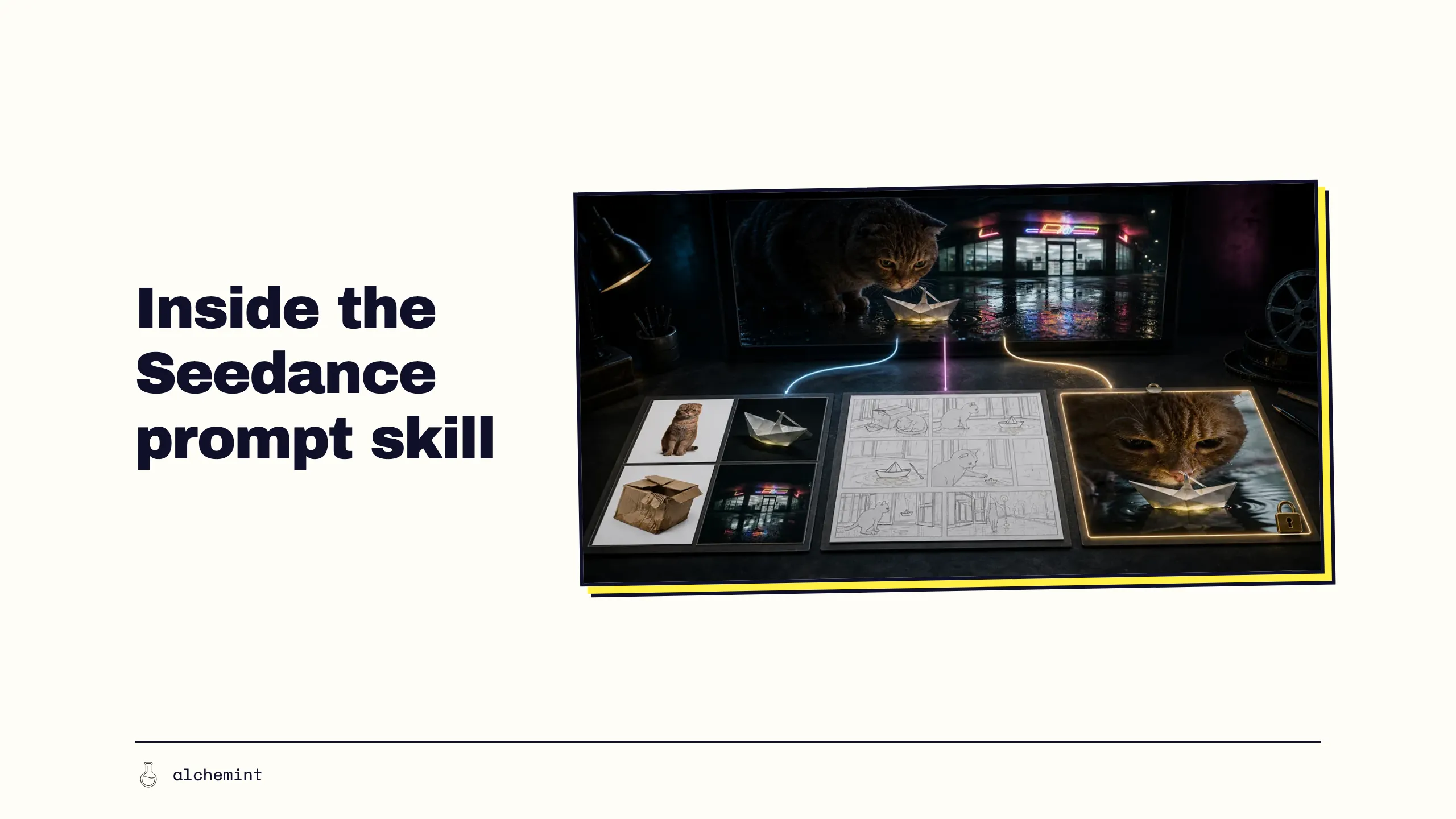
Seedance 2.5 Prompt Skill: Every Reference Needs a Job
We unpack ByteDance's sd25-pe v0.1.1: intent, asset roles, multi-panel storyboards, first frames, timing and generation settings. Detailed rules; zero magic.
sd25-pe helps an agent organise a story and its references into a Seedance 2.5 prompt. It spells out which image defines each character, where the storyboard starts and how the previous clip's last frame leads into the next.
In our paper-boat project, its value was painfully practical. It kept one cat as one cat, stopped Act 1 from leaking into P08, and left resolution settings out of the plot. AI video projects have a talent for tripping over small details. Every trip still costs a generation.
This guide follows sd25-pe v0.1.1 as retrieved on 2 September 2026. Check the source again after an update.
Install it, then record the version
The Skill source provides this installation command:
npx --yes skills@latest add \
  "https://arkdocs-en.tos-ap-southeast-1.volces.com/skills/" \
  --skill sd25-pe \
  --yes
Version 0.1.1 also tells the agent to attempt an update the first time the Skill is triggered in each session:
npx --yes skills@latest update sd25-pe -y
Work can continue from the local copy if the update fails. Keep the version number whenever you document why a prompt was written in a particular way. An automatic update can attach new rules to the same sd25-pe name.
Start with intent. Pretty sentences can wait
The first principle in v0.1.1 is Intent First. The agent builds an internal story contract from the source request and locks:
- subjects and their counts;
- actions, event order and causality;
- scene, time, weather and spatial relationships;
- prop ownership, transfers and final states;
- visual treatment, camera, sound, dialogue and subtitle requirements;
- whether the job is generation, editing or extension.
Reference images contribute visible appearance, material, composition and lighting. Character names, relationships, events and outcomes still come from the user's text. A uniform does not spontaneously give a character a profession. Two similar portraits do not come with a complimentary clone.
Abstract intent needs filmable behaviour. “The cat becomes curious” can become a forward movement of the head, widened eyes and a shift of weight. “The boat plays with the cat” can become a boat that retreats when the cat approaches and drifts closer when the cat stops.
Generation, editing or extension: pick a lane first
The Skill routes the job to one primary task:
| Primary task | What the prompt must control |
|---|---|
| Video generation | New subjects, events and scenes, plus the contribution of each reference asset |
| Video editing | One source video as the sole master, with only named objects, regions or sounds changed |
| Video extension | A new segment before or after the source, preserving the boundary state |
Multiple references, longer duration, boundary frames, storyboard grids, previz and sound are modules attached to that task. A Blender previz can supply blocking, paths and camera work while the job remains video generation.
If one request changes a source clip and then extends it, v0.1.1 creates two sequential prompts. The first output becomes the master for step two.
Six sections keep a crowded prompt under control
A text-only prompt for one event can stay short: who does what, where it happens, then any essential visual, camera and sound direction. Once references and events multiply, v0.1.1 uses this working structure:
【Generation Goal】
【Reference Asset Roles】
【Unused Assets】
【Subjects and Relationships】
【Event Script】
【Maintain Consistency】
Keep only the sections the job needs. The generation goal names the video type, subject and main event. The event script controls the opening state, sequence and ending. Maintain consistency holds the identities, props and spatial relationships that must survive across shots.
The structure also catches collisions. Put the same action under asset roles, event script and consistency, and three versions of its timing can quietly enter the prompt. Keep timing in the event script. Let each asset-role line explain what its file defines. The prompt becomes much easier to audit.
Give each reference a specific role
The Skill uses this mapping priority:
User's explicit specification > Prompt description > Asset content > Filename and metadata > Upload order
Every active asset gets one clear assignment. A portrait defines a face and clothing. A scene image defines layout and lighting. An action video defines a hand path. “Use all references” leaves those jobs unclear.
Bind different characters on separate lines. When several views define one character, say that they jointly describe one entity. Leave that relationship vague and the model may treat the views as separate people.
When the agent can inspect the full inventory, it lists each inactive file under 【Unused Assets】. That stops later prompt enhancement from inviting the file back as a person, scene, prop, action, camera reference or sound source.
If an asset cannot be inspected, the Skill preserves the user's existing @ImageN, @VideoN and @AudioN relationships. That keeps the existing asset numbering usable.
Multi-panel storyboard reference: composition yes, exact timing no
BytePlus calls the capability Multi-panel storyboard reference in its Seedance 2.5 Prompt Guide. In sd25-pe v0.1.1, the storyboard grid is a composable module. The prompt should state:
- the panel count and reading order;
- the shot assigned to each panel;
- the framing, subject position and approximate composition to adopt;
- the sketch style, grid lines, labels or placeholder characters to exclude.
The Skill recommends a clean grid with little annotation and roughly 15 panels at most. That is stability guidance; platform hard input limits are a separate question.
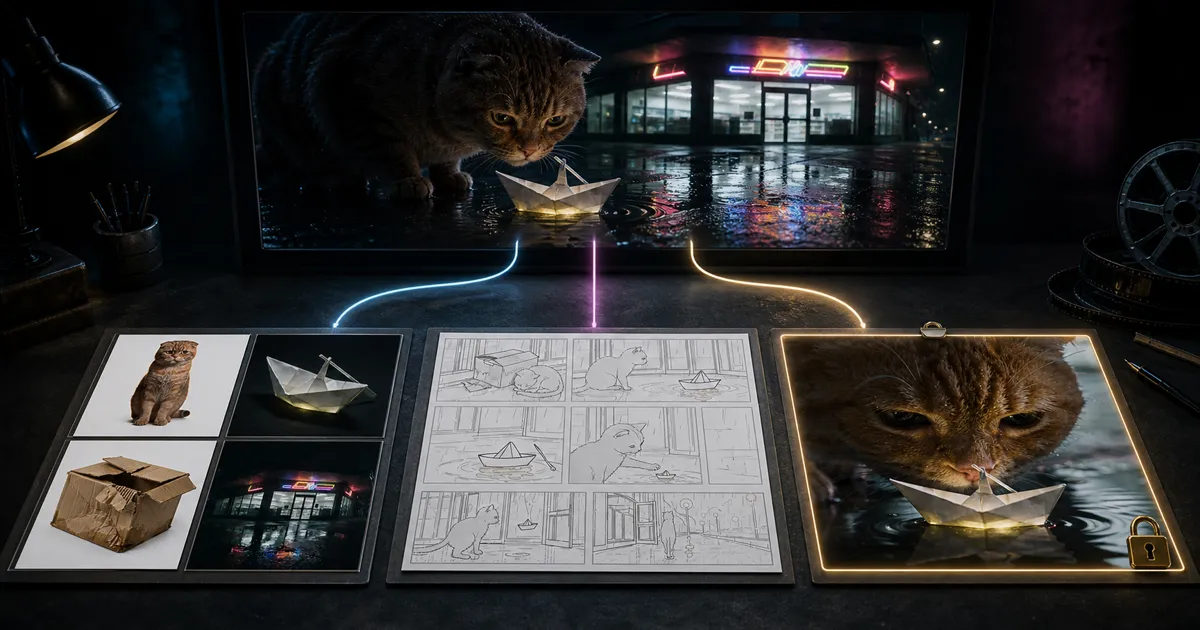
Act 1 of our paper-boat film activated P01–P03 from an eight-panel grid. The prompt excluded the other five panels, along with the grey sketch treatment, grid and placeholder character designs. Separate assets defined the final cat, convenience store, cardboard box and paper boat.
The grid helps arrange the compositions. The model may still change hold times and camera positions, so the finished film is where we see how it connects the shots. Our Seedance 2.5 storyboard test places P01–P08 beside the corresponding landscape and portrait film frames.
Name the first frame or frame zero has no address
An ordinary image reference tells the model how a subject or scene looks. A first-frame instruction specifies the opening image. In an English prompt, v0.1.1 requires this exact role statement on its own:
Use @Image1 as the first frame.
The next sentence describes the opening composition, subject positions, poses, prop states, scene and camera direction defined by the image. Other references may contribute appearance, props or scenery only when they preserve that composition. The event script then continues naturally from the frame defined by @Image1.
The preserved paper-boat submission used a Chinese first-frame role sentence. For a new prompt written under v0.1.1, use the English sentence above.
The first image locks the output aspect ratio. When first and last frames are supplied together, they should share the same ratio. Treat those as submission checks and keep them out of the visual description. A first-frame reference does not guarantee pixel-identical continuity with the previous clip.
Seconds are an event budget. Extract frames anyway
When the user supplies time segments or explicitly asks for timing, the Skill preserves continuous, non-overlapping whole-number ranges. Each range carries one major state change and ends with an observable state for the subjects and props.
When total duration exists only in the page or API settings, the prompt uses unnumbered stages. It does not reverse-engineer new 0–5s and 5–10s ranges. If the configured duration runs longer than the event timeline, the agent can extend movement, reactions, pauses and transitions. It cannot fill the gap with extra characters, a new main event or a surprise ending.
A time range allocates time to events, not exact edit frames. Both paper-boat films contain all eight storyboard compositions, while events in Acts 2 and 3 landed at different times from the written ranges. The storyboard test records the extracted timings and final joins.
Keep ratio, duration, resolution and frame rate in settings
For regular video generation, v0.1.1 places aspect ratio and total duration on the page or in the API request. Resolution, frame rate and the sound toggle stay in the settings layer too. A prompt can describe rain, dialogue or the sound of a rocking paper boat. The interface controls whether sound is enabled.
| Task | Ratio and duration handling |
|---|---|
| Regular video generation | Set ratio and total duration on the page or through the API |
| First-frame / first-and-last-frame generation | The first image locks the ratio; duration remains configurable; first and last images should match |
| Video editing | Inherits the source ratio and approximate duration; input-frame handling may move output duration by about 0.3 seconds |
| Video extension | Inherits the source ratio; extension duration remains configurable |
If a reference video and target ratio differ, or the target duration differs from the reference by more than about 0.3 seconds, the Skill routes the task to regular generation. Explicit continuation before or after the source routes it to extension. Run this compatibility check before submission.
Once a confirmed ratio or duration conflict sends the job to regular generation, v0.1.1 permits exactly one fixed sentence under 【Generation Goal】: Please note that this is not video editing. Leave it out when the compatibility condition never fired.
One template line nearly welded three shots into a oner
The first paper-boat prompt said the selected panels should unfold “in one uninterrupted continuous shot.” The lines below it specified three camera setups and an edit. Great drama, broken camera logic. We removed the template sentence and moved future P07 and P08 events out of an Act 1 submission responsible for P01–P03.
The story stayed intact. Each submission got one smaller job, and the model no longer had to peek at the ending twelve seconds early.
Translation note for this case: our operations team is based in Taiwan, and the Act prompts actually submitted to Seedance were written in Chinese. The English wording in this series is an editorial translation. We did not submit or test the translated wording and do not guarantee equivalent results. Validate it with your own references and settings before relying on it.
Two companion articles show the process in detail. From our first prompt to the prompts we actually submitted follows how the grids and reference images helped the prompt-writing LLM find problems in the text. The P01–P08 finished-film test checks every storyboard panel against an extracted film frame.
Seven checks before you spend a generation
- Is this prompt's primary task generation, editing or extension?
- Do subject counts, prop counts, causality and the outcome still match the source intent?
- Does every active asset have one clear role, with each inactive asset excluded when the full inventory is known?
- Does the storyboard specify reading order, shot roles and visual annotations to exclude?
- Does each first or last frame have its own role statement, with other references subordinate to the boundary composition?
- Did the time ranges come from the user's request, and are they treated as event budgets?
- Are ratio, total duration, resolution, frame rate and the sound toggle still in the page or API settings?
Seven basic questions. They become philosophical the moment paid credits are on the line.
For the underlying subject, action, scene, camera and style vocabulary, start with our Seedance 2.0 prompt guide. The 2.5 Prompt Skill carries that foundation into task routing, multi-asset mapping, boundary frames, storyboard grids and previz references.
For a full template with a Blender previz as Video 1, and the rules we measured, see Prompt Engineering for Seedance 2.5.
Version and sources
Last checked: 2 September 2026, against sd25-pe v0.1.1. Skills and platform constraints can change. Use the Skill and Seedance interface available at submission time as the current authority.
- 01Seedance 2.5 Prompt Skill: Every Reference Needs a JobYou are here
- 02How to write Seedance 2.0 prompts: a practical guide from subject and action to camera work
- 03One idea, two models: Seedance writes structure into the text, MiniMax writes it into the protocol
- 04How to prompt MiniMax H3: the formula isn't in the guide, it's in the API