
Porting One Previz Between MiniMax H3 and Seedance 2.5
Translating a prompt line by line between H3 and Seedance 2.5 doesn't work, because the two models take different things from the previz. What to move where, from 32 scenes written for both.
We wrote 32 scenes for both models from the same Blender previz: once as Seedance 2.5 prompts, once as H3 prompts in MiniMax's official format. The first instinct is to translate one into the other, swap Image 1 for <Picture 1> and keep everything else. That leaves the most important information in the wrong place, because the two models read the previz differently.
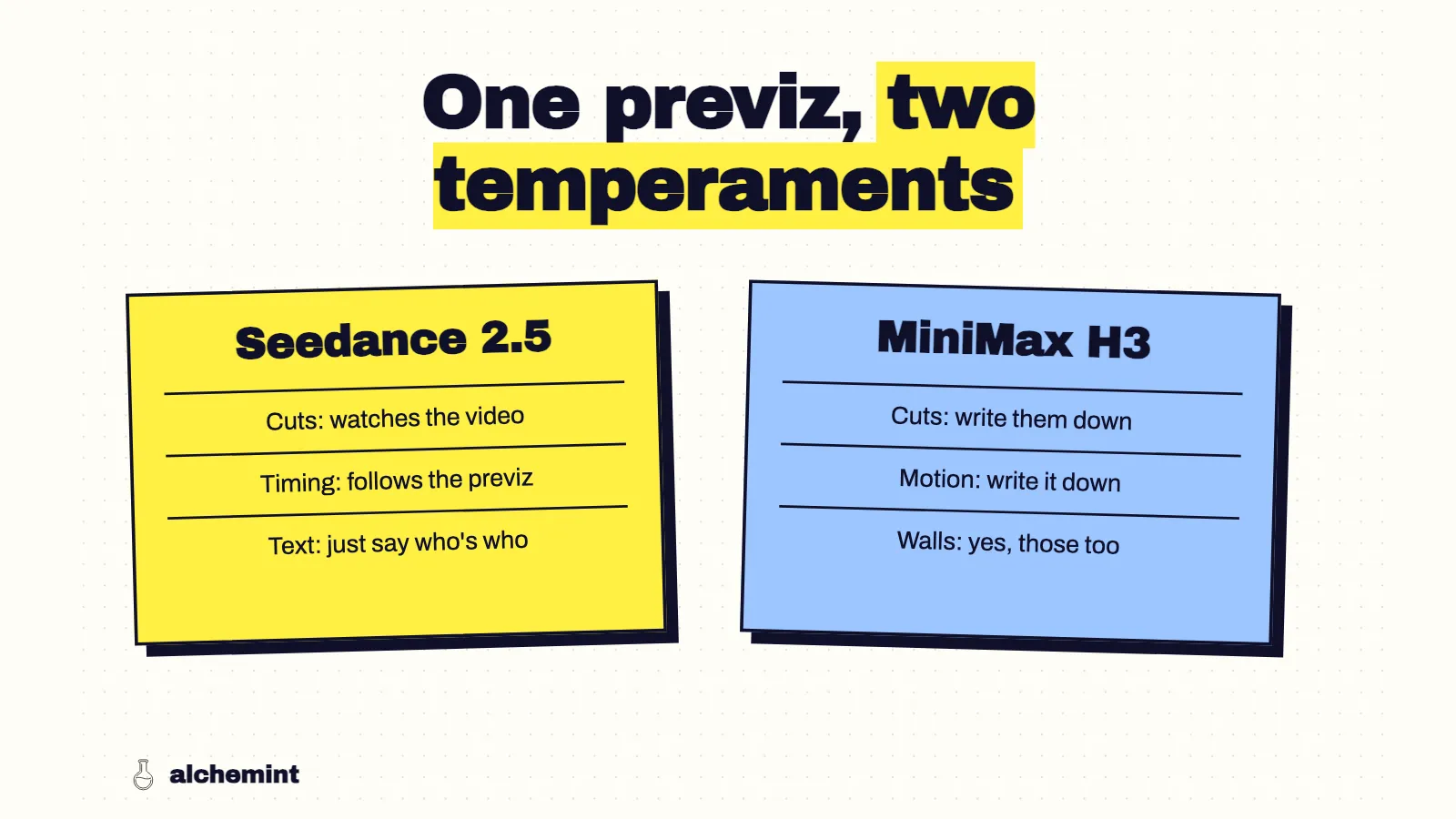
Seedance takes cut timing and motion timing from the previz video. H3 takes cut timing from the text and treats the video's motion loosely (the measurements). Porting a scene means moving information between the video and the text, not just renaming references.
Where each thing lives
| Seedance 2.5 | MiniMax H3 | |
|---|---|---|
| Cut timing | In the previz. Text ranges match it | In the text, as [Shot N] At MM:SS.mmm for every cut |
| Motion timing | In the previz | In the text: write the order of contacts and expect looser timing |
| Appearance | Reference images plus one mapping line per proxy | Reference images plus a description of the finished surfaces in every shot |
| State | A holder line at the end of every segment | Start: / End: lines plus a state sentence at the end of each shot |
| Length per generation | Up to 22 seconds in our runs | 4–15 seconds in the open-source workflow |
| Format | 【Generation Goal】, 【Reference Asset Roles】, 【Event Script】, 【Maintain Consistency】; Image N, Video 1 |
Six English sections; <Subject N>, <Picture N>, <Video 1> |
Seedance to H3
- Split at story beats, 15 seconds or less. Each unit starts at zero, so convert every time to unit-local seconds.
- Restate the present for each unit. A short unit doesn't inherit anything from the one before. Who holds what, where everyone stands and the time of day all go into its opening. One of our units came after the light had changed from dawn to morning, and the scene reference was a night painting. Unless the prompt says "morning," nothing tells H3.
- Transcribe every previz cut as a timestamp. Seedance didn't need them in text. H3 does: within a quarter second, written cuts landed in 43–56% of outputs and unwritten ones in 6–19%. Take the times from the rendered previz; in one unit the camera data said 1.75 seconds where the render cut at 1.5.
- Turn the video's motion into contact order. Seedance reads a handoff off the previz. For H3 I write it out, like this line from one of our V2 prompts: "<Subject 2> reaches toward it with both hands and takes a secure supporting grasp before <Subject 1> releases her own hands." That sentence fixes who lets go when, which is what a handoff needs.
- Add finished surfaces to every shot and drop the talk about the previz's look. Seedance turns stand-ins into real objects on its own. H3 needs the material written down, or it paints your mesh (why).
- Keep accessories attached to the person. Rename
Image 1to<Picture 1>and<Subject 1>, and carry each signature accessory inside that subject's definition. Even with the accessories defined separately, five of six H3 conditions put one character's pendant on another in a close-up, so check that shot.
H3 to Seedance
- Merge units back into the previz shot. The event-script ranges should follow the previz's shots, not the H3 unit boundaries.
- Re-render the previz if you retimed cuts in text. With H3 you can fix a cut by editing one number. Seedance will follow the video and ignore your number. Move the cut in Blender first.
- Swap labels for names, give each reference one job, list the unused ones.
<Subject 1>becomes the character's name plusImage N, and every attachment either gets a role or goes under unused assets. - Keep the state lines. End-of-segment holder lines carried a three-handoff sequence through 21 seconds in Seedance. They port across unchanged.
- Write down camera conditions that must hold, then check them first. Seedance sometimes re-stages a shot it considers clearer, like turning a same-side chase into front and side angles, even when the prompt says not to.
A note on the paid optimizer
If you route H3 prompts through MiniMax's paid prompt optimizer, check two things in its output. Against the previz's camera data, it left 10 of 53 cuts out of the text and moved 5 more, and the outputs mostly followed the text. And 8 of its 41 responses came back over our tool's 8,000-character limit, so they had to be trimmed before submission. The other route, having an agent write with the official prompt-writing skill, kept every cut in the camera data. It also left more previz on screen, which the H3 template addresses. Between the two, I'd use the skill and spend the optimizer budget on generations.
Limits
These checklists come from one stylized project written for both models: 41 H3 units across two prompt versions and three builds, and Seedance takes covering 32 of them. They describe what moved the output on this batch. Your previz, art style or model versions may shift the details. The Seedance template and H3 template show the full prompt structure on each side.
The full setup is in the series opener.